


Writing good documentation takes time and attention. It also requires regular updates as products change and new features are added.
Many teams struggle to keep their documentation accurate and up to date. Screens change, workflows evolve, and older instructions quickly become outdated.
AI doc writers help solve this problem. They make it easier to create and update documentation in less time. They also help teams maintain consistency across guides, tutorials, and help articles.
However, AI does not work well on its own. The quality of the output depends heavily on the prompt you provide. A clear prompt leads to clear documentation. A vague prompt often creates confusing content.
In this blog, you’ll learn how to write effective prompts for documentation. You’ll see practical examples you can use for setup guides, tutorials, feature explanations, and FAQs. These prompts can be used with any AI doc writer.
What is the weDocs AI Doc Writer?
The weDocs AI Doc Writer is a tool that helps you create documentation using AI. You provide instructions, and it generates clear and structured content based on your input.
Teams use the weDocs AI Doc Writer to write setup guides, how-to articles, feature documentation, FAQs, and technical content. It is useful when documentation needs to be created quickly or updated often.
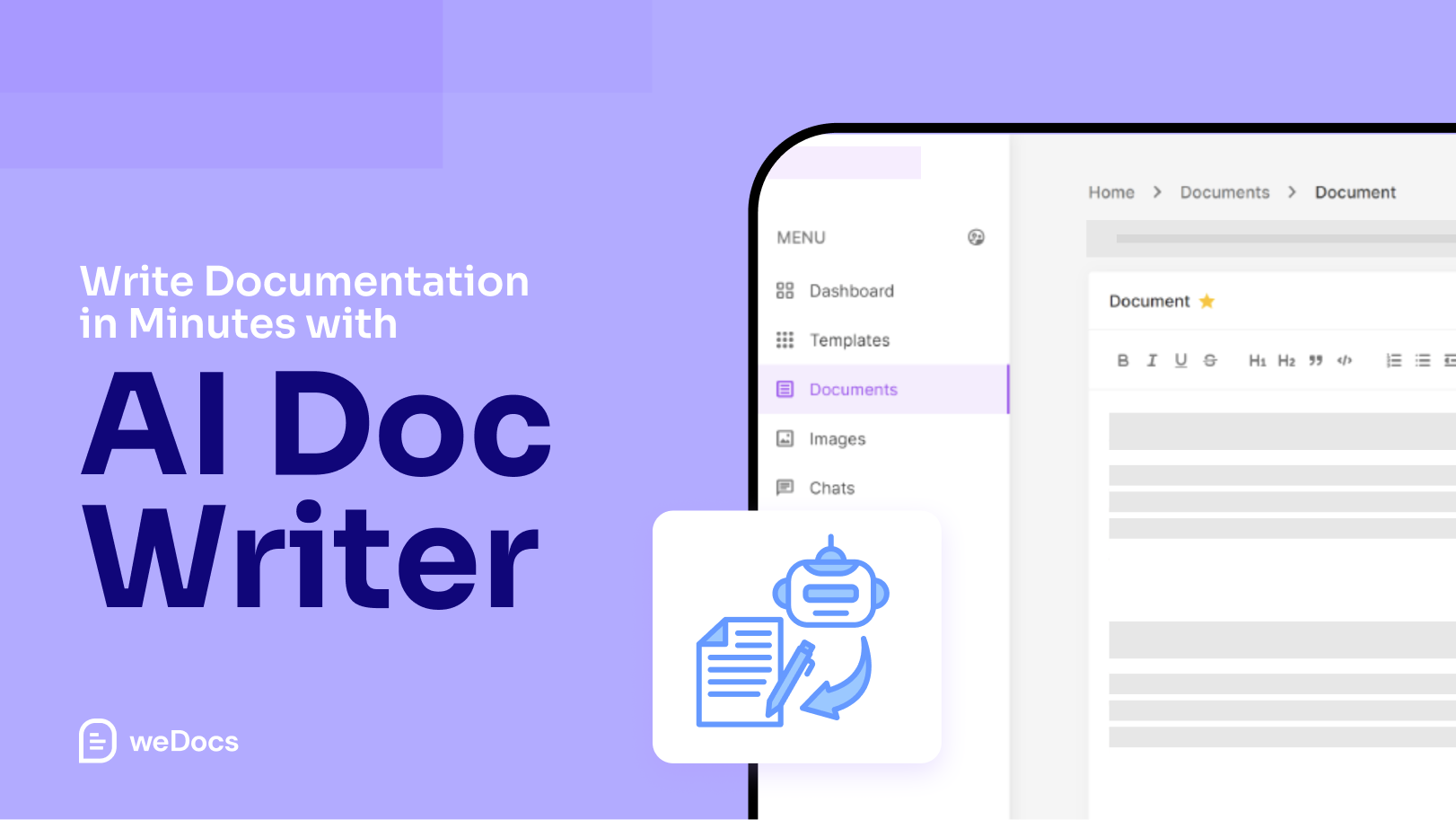
The weDocs AI Doc Writer does not replace human writers. It works as an assistant that helps you draft content, organize ideas, and reduce repetitive writing work. The tool works best when it receives clear direction. This includes who the document is for, the purpose of the article, and the level of detail required. Without proper guidance, the output can feel generic.
When used the right way, the weDocs AI Doc Writer saves time and helps teams keep documentation consistent across products and updates.
Why Prompts Matter in Documentation Writing
A prompt tells the AI what to write. It sets the direction for the content.
When a prompt is clear, the documentation is easier to read and understand. The steps feel logical. The explanations stay focused.
When a prompt is vague, the result is often confusing. Important details may be missing. The tone may not fit the audience.
Documentation needs structure. It also needs accuracy. A good prompt helps the AI follow both.
Many people make the mistake of using very short prompts. For example, “Write documentation for this feature.” This gives the AI very little guidance.
A better prompt explains the task clearly. It mentions the audience, the goal, and the format. This helps the AI produce content that feels useful and complete.
Strong prompts lead to better documentation. They reduce editing time and improve consistency across articles.
How to Structure a Good Prompt for the weDocs AI Doc Writer
A good prompt gives the weDocs AI Doc Writer clear guidance. It explains what to write and how to approach it.
Start by defining the audience. Mention who the document is for, such as new users, existing customers, or developers. This helps the AI choose the right tone and level of detail.
Next, explain the purpose of the document. Say what the reader should learn or be able to do after reading it. This keeps the content focused.
Then, specify the format. Let the AI know if you want step-by-step instructions, a short guide, or a detailed explanation. Structure improves clarity.
You should also add context. Share details about the feature, workflow, or product. This helps avoid generic content.
Finally, be specific. Clear and detailed prompts lead to better documentation and less editing later.
Best Prompts for Creating Documentation with weDocs AI Doc Writer
This section focuses on real prompts you can use. Each prompt is written for a common documentation task.
You can copy these prompts and adjust them based on your product.
Prompts for Getting Started Guides
Getting started guides help new users set things up for the first time. These guides should be clear and easy to follow.
Prompt example
Write a getting started guide for new users.
The audience is beginners.
Explain how to set up the product step by step.
Use simple language.
Include clear headings and short instructions.
Avoid technical terms where possible.
This prompt works well because it defines the audience, the goal, and the format.
Prompts for Setup and Configuration Guides
Setup guides often require more detail. They should explain settings and common options.
Prompt example
Create a setup guide for configuring this feature.
The audience is existing users.
Explain each setting and what it does.
Use step-by-step instructions.
Add notes for common mistakes.
This helps the AI focus on accuracy and clarity.
Prompts for Feature Documentation
Feature documentation explains how a feature works and when to use it. It should be clear and focused on real use cases.
Prompt example
Write documentation for this feature.
The audience is regular users.
Explain what the feature does and when to use it.
List the main benefits.
Include a short example use case.
Keep the explanation simple and clear.
This prompt helps the AI stay practical and avoid unnecessary detail.
Prompts for How-To Tutorials
How-to guides help users complete a specific task. They should be direct and easy to follow.
Prompt example
Write a how-to guide for completing this task.
The audience is beginners.
Use numbered steps.
Keep each step short.
Add tips where users may get confused.
This structure helps the AI produce clean, task-focused content.
Prompts for Troubleshooting and FAQs
Troubleshooting guides help users resolve issues independently. These prompts should focus on clarity and common problems.
Prompt example
Create a troubleshooting guide for this feature.
List common problems users face.
Explain why each issue happens.
Provide clear steps to fix each issue.
Use a simple question-and-answer format.
This prompt works well for support-focused documentation.
Prompt Templates You Can Reuse
These templates are meant to save time. You can reuse them for different products and features.
Just replace the details where needed.
General Documentation Prompt
Use this when you need a standard help article.
Prompt template
Write documentation for this feature.
The audience is regular users.
Explain what the feature does.
Explain how to use it.
Use clear headings and short paragraphs.
Keep the language simple.
Step-by-Step Guide Prompt
Use this for tasks and workflows.
Prompt template
Create a step-by-step guide for this task.
The audience is beginners.
Use numbered steps.
Keep each step short and clear.
Add notes for common mistakes.
Feature Explanation Prompt
Use this when introducing or explaining a feature.
Prompt template
Explain this feature in simple terms.
The audience is non-technical users.
Describe when and why to use it.
Include one short example.
Avoid complex terms.
FAQ and Troubleshooting Prompt
Use this for support-focused content.
Prompt template
Create an FAQ for this feature.
List common questions users ask.
Answer each question clearly.
Add troubleshooting steps where needed.
Keep answers short and direct.
Tips for Getting Better Results from the weDocs AI Doc Writer
AI works best when you guide it step by step. One prompt is often not enough.
Start small. Generate one section at a time instead of asking for a full document at once. This keeps the output focused and easier to review.
Be specific with your instructions. Mention the audience, the goal, and the format every time. Repeating this context helps maintain consistency.
Review and edit the output. AI can draft content quickly, but human review is still important. Always check steps, links, and product details.
Keep your documentation style consistent. Use the same tone, headings, and structure across articles. This helps users feel comfortable navigating your docs.
Use AI to update existing content. You can ask the weDocs AI Doc Writer to rewrite outdated sections, simplify language, or improve clarity.
These small habits help you get better results with less effort.
What Not to Do When Using AI for Documentation-
- Do not rely on AI without review. AI can make mistakes or miss product details. Always check the output before publishing.
- Do not use vague prompts. Short and unclear instructions lead to generic documentation that does not help users.
- Do not ask the AI to write everything at once. Large prompts often create long and unfocused content. Break the work into smaller parts.
- Do not ignore product context. Always include details about features, settings, or workflows. Without context, the content may be inaccurate.
- Do not skip consistency. Changing tone or structure across articles makes documentation harder to follow.
Avoiding these mistakes helps keep your documentation clear and reliable.
Final Thoughts
The weDocs AI Doc Writer is a helpful tool for creating documentation faster. It works best when you give it clear and detailed prompts.
Good prompts lead to better structure, clearer steps, and more useful content. They also reduce editing time and help keep your documentation consistent.
AI should support your workflow, not replace it. Use it to draft, update, and organize content. Then review and refine the output before publishing.
Start with simple prompts. Improve them over time. With practice, the weDocs AI Doc Writer can become a reliable part of your documentation process.
Subscribe to
weDocs blog
We send weekly newsletters,
no spam for sure!