Hiring is hard. Onboarding should not be.
Yet in many companies, onboarding still means long email threads, scattered documents, repeated explanations, and last-minute account setups. Managers lose time. HR teams chase paperwork. New employees feel unsure during their first week.
A structured onboarding process changes that. When everything is organized in one system, new hires know what to do, where to go, and who to talk to. Managers track progress. HR saves hours.
This is why many organizations now use employee onboarding software. It centralizes documents, automates tasks, tracks training, and reduces confusion from day one.
In this guide, we will review the best employee onboarding software in 2026 and help you understand which one fits your organization.
Is It Fruitful to Have an Onboarding Software and How Much Time Does it Actually Save?
Let’s be practical.
Without onboarding software, HR teams manually send offer letters, collect documents, create checklists, assign training, and follow up through email. Managers repeat the same instructions for every new hire. IT sets up accounts one by one without a clear timeline.
Now imagine this happens 5, 10, or 50 times a year.
Onboarding software automates most of these steps. Documents are sent automatically. Tasks are pre-assigned. Reminders are triggered. Progress is visible in one dashboard. Instead of chasing updates, teams monitor status.
How much time does it save?
It depends on company size, but many HR teams report saving several hours per employee. If onboarding normally takes 6 to 8 hours of coordination work, automation can cut that almost in half. Over a year, that becomes dozens or even hundreds of saved hours.
Time is not the only benefit. Structured onboarding also improves:
- Employee clarity in the first week
- Compliance and document tracking
- Cross-team coordination
- Early engagement
When new hires know what to expect, they settle in faster. That reduces early frustration and shortens the time it takes them to become productive.
So yes, onboarding software is not just useful. For growing teams, it becomes necessary.
Now let’s explore the best employee onboarding software for any organization in 2026.
Best Employee Onboarding Software for Any Organization
There is no single onboarding tool that fits every company.
Some businesses need full HR systems with payroll and compliance. Some need structured training and documentation. Others want to improve culture and early engagement.
Below is the list of the best employee onboarding software in 2026 covered in this guide:
- Jotform Presentation Agents
- Donut
- BambooHR
- WorkBright
- Collage
- weDocs
- Gusto
- ClearCompany
- SuitePeople
- Rippling
- Trainual.
Summary: A Comparison Table
| Software | Pricing Range | Key Feature Focus | Best For | Free Plan Available | Compliance Documentation Support |
|---|---|---|---|---|---|
| Jotform Presentation Agents | Free + Paid plans | Interactive onboarding flows | Document-heavy onboarding workflows | Yes | Basic |
| Donut | Free + Paid plans | Team connection and engagement | Remote and distributed teams | Yes | No |
| BambooHR | Custom pricing | Full HR + onboarding | Small to mid-sized businesses | No | Yes |
| WorkBright | Custom pricing | Remote compliance and document collection | Remote workforce | No | Yes |
| Collage | Tiered pricing | HR + payroll for Canada | Canadian companies | No | Yes |
| weDocs | Free + Premium | Structured documentation and internal guides | Knowledge base onboarding | Yes | Yes |
| Gusto | Tiered pricing | Payroll + onboarding | Small businesses (US) | No | Yes |
| ClearCompany | Custom pricing | Hiring + onboarding workflows | Mid-sized and growing teams | No | Yes |
| SuitePeople | Custom pricing | HR + payroll inside NetSuite | Companies using NetSuite | No | Yes |
| Rippling | Custom pricing | Unified HR + IT onboarding automation | Mid-sized to large teams | No | Yes |
| Trainual | Tiered pricing | Playbook-based onboarding | Consistent training and role onboarding | No | Limited |
Each tool serves a different type of organization. Some are ideal for startups. Some work better for growing teams. Some are built for enterprise HR departments.
Now let’s go through them one by one, starting with Jotform Presentation Agents.
1. Jotform Presentation Agents – Best for Automated and Interactive Onboarding Flows
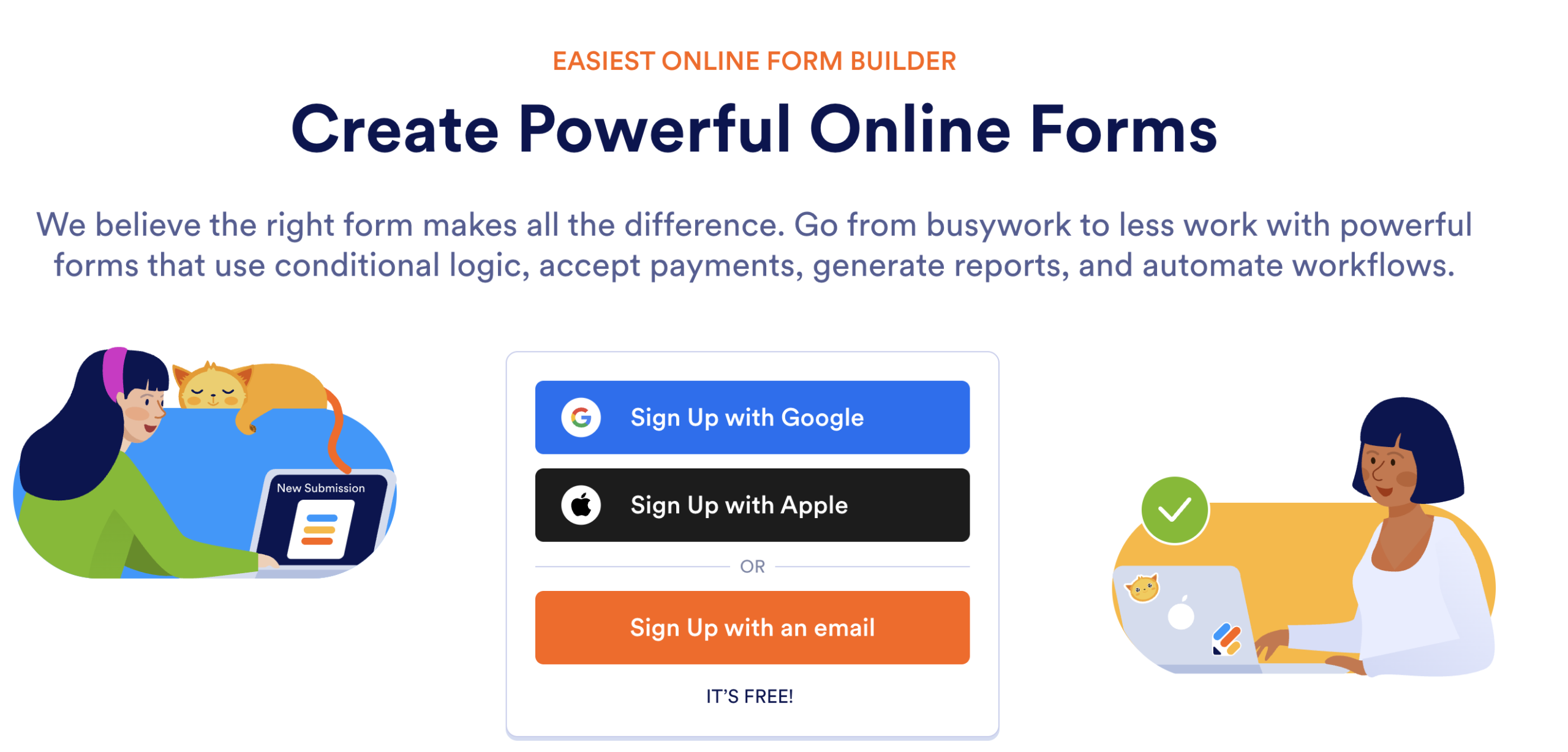
Jotform is widely known for forms, but its Presentation Agents take onboarding further. Instead of static forms, companies can create interactive onboarding flows that guide new hires step by step. It feels more like a guided experience than a checklist.
Features
- Interactive onboarding presentations
- Conditional logic for dynamic flows
- Document collection and e-signatures
- Integration with HR tools and CRMs
- Automated email notifications
Pros
- Easy to build without coding
- Flexible logic and branching
- Works well for document-heavy onboarding
- Clean interface for new hires
Cons
- Not a complete HR management system
- Limited advanced workforce management features
- May require integrations for full HR automation
Pricing
Jotform offers free and paid plans. Paid plans vary based on usage limits, form submissions, and features. Businesses needing advanced automation usually choose higher-tier plans.
Verdict
Jotform Presentation Agents work well for companies that want structured, guided onboarding without investing in a full HR suite. It is especially useful for document collection, compliance steps, and interactive workflows.
2. Donut – Best for Building Early Team Connections
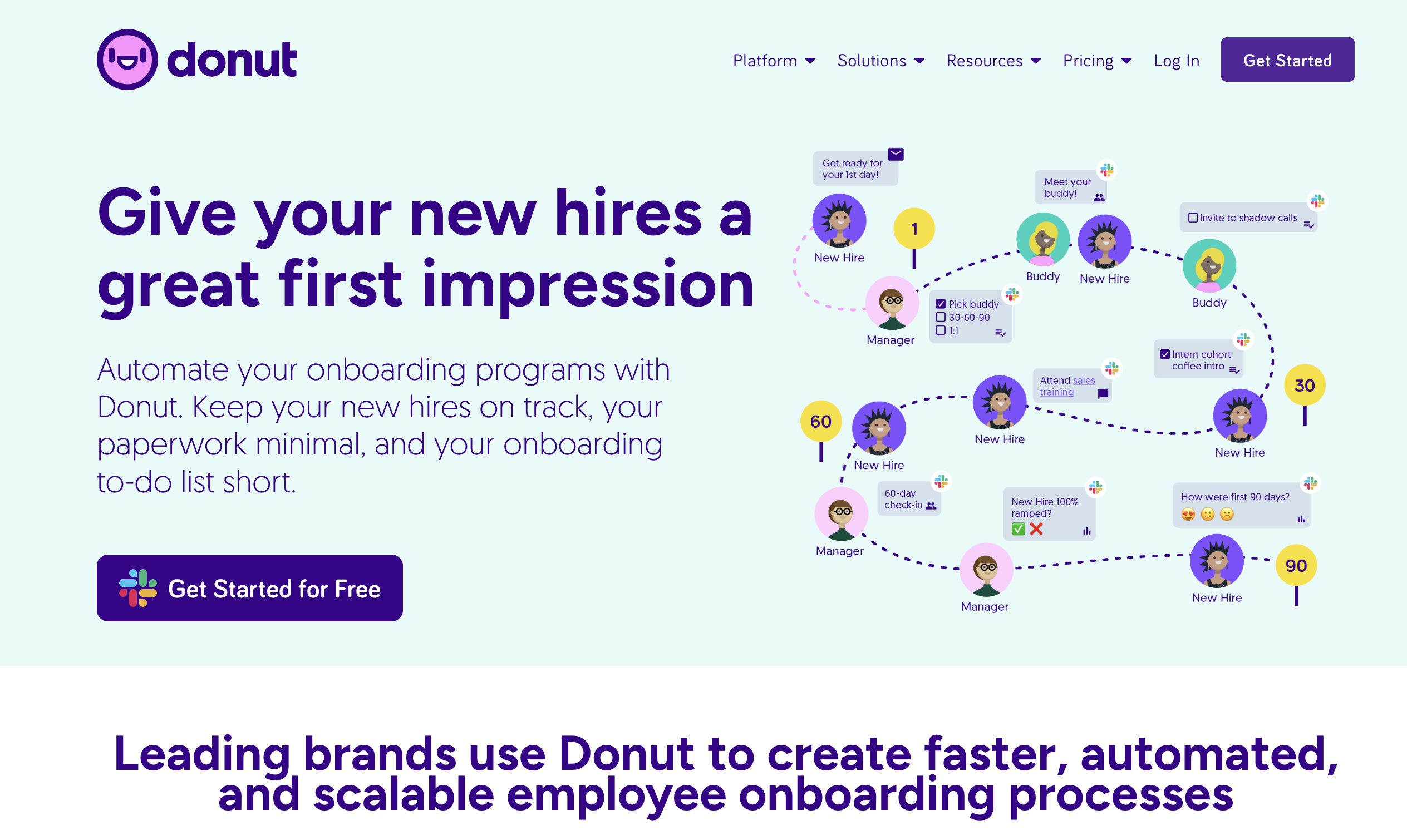
Donut is not a traditional HR onboarding system. It focuses on connection. It integrates with Slack and helps introduce new hires to teammates through automated coffee chats and informal meetups.
For many companies, especially remote teams, onboarding is not just about paperwork. It is about helping new employees feel included. That is where Donut fits.
Features
- Slack-based introductions
- Automated coffee chat pairings
- Team bonding workflows
- Custom onboarding channels
- Integration with collaboration tools
Pros
- Simple setup inside Slack
- Encourages team bonding
- Works well for remote teams
- Improves early engagement
Cons
- Not a full onboarding system
- No document management
- No payroll or compliance features
Pricing
Donut offers free and paid plans. Pricing depends on team size and advanced workflow needs.
Verdict
Donut works best for companies that already have HR systems in place but want to improve the human side of onboarding. It helps new hires build relationships early, which can improve retention and engagement.
3. BambooHR – Best for Small to Mid-Sized Businesses
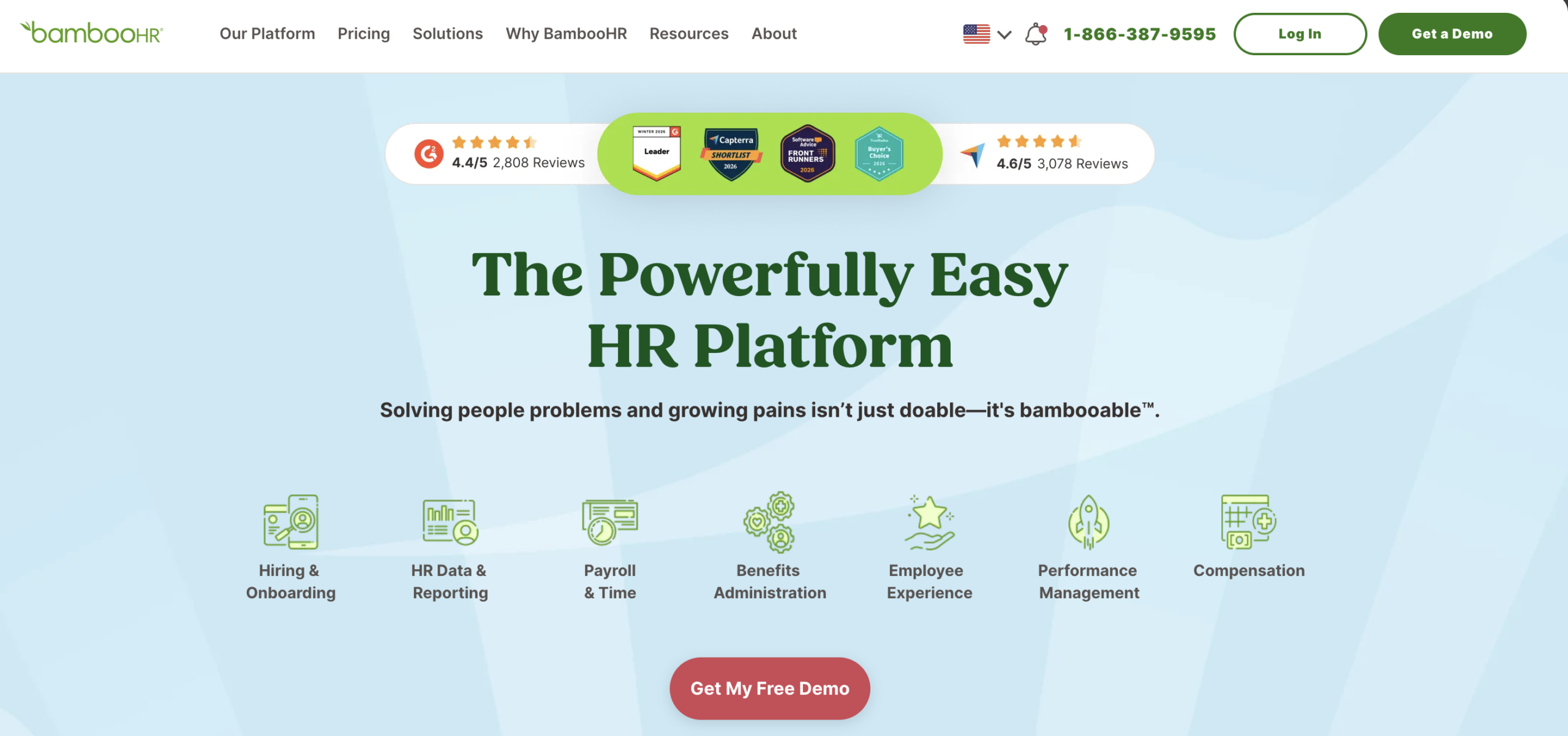
BambooHR is a full HR management platform that includes onboarding as a core feature. It is designed for growing companies that want to manage hiring, employee records, performance, and onboarding in one system.
Instead of using separate tools for documents, checklists, and employee data, BambooHR centralizes everything. New hires can complete forms, sign documents, and track tasks inside one portal.
Features
- Digital onboarding checklists
- E-signature and document management
- Employee database and records
- Time-off tracking
- Performance management tools
- Reporting and analytics
Pros
- All-in-one HR system
- Easy document collection
- Clean and organized interface
- Strong reporting features
Cons
- Higher pricing compared to lightweight tools
- May feel heavy for very small teams
- Customization can be limited in lower tiers
Pricing
BambooHR uses custom pricing based on company size and features. Businesses need to request a quote. Costs increase with advanced modules.
Verdict
BambooHR is suitable for companies that want structured onboarding along with broader HR management. It works well for teams that are scaling and need centralized employee data and compliance tracking.
4. WorkBright – Best for Remote and Distributed Teams
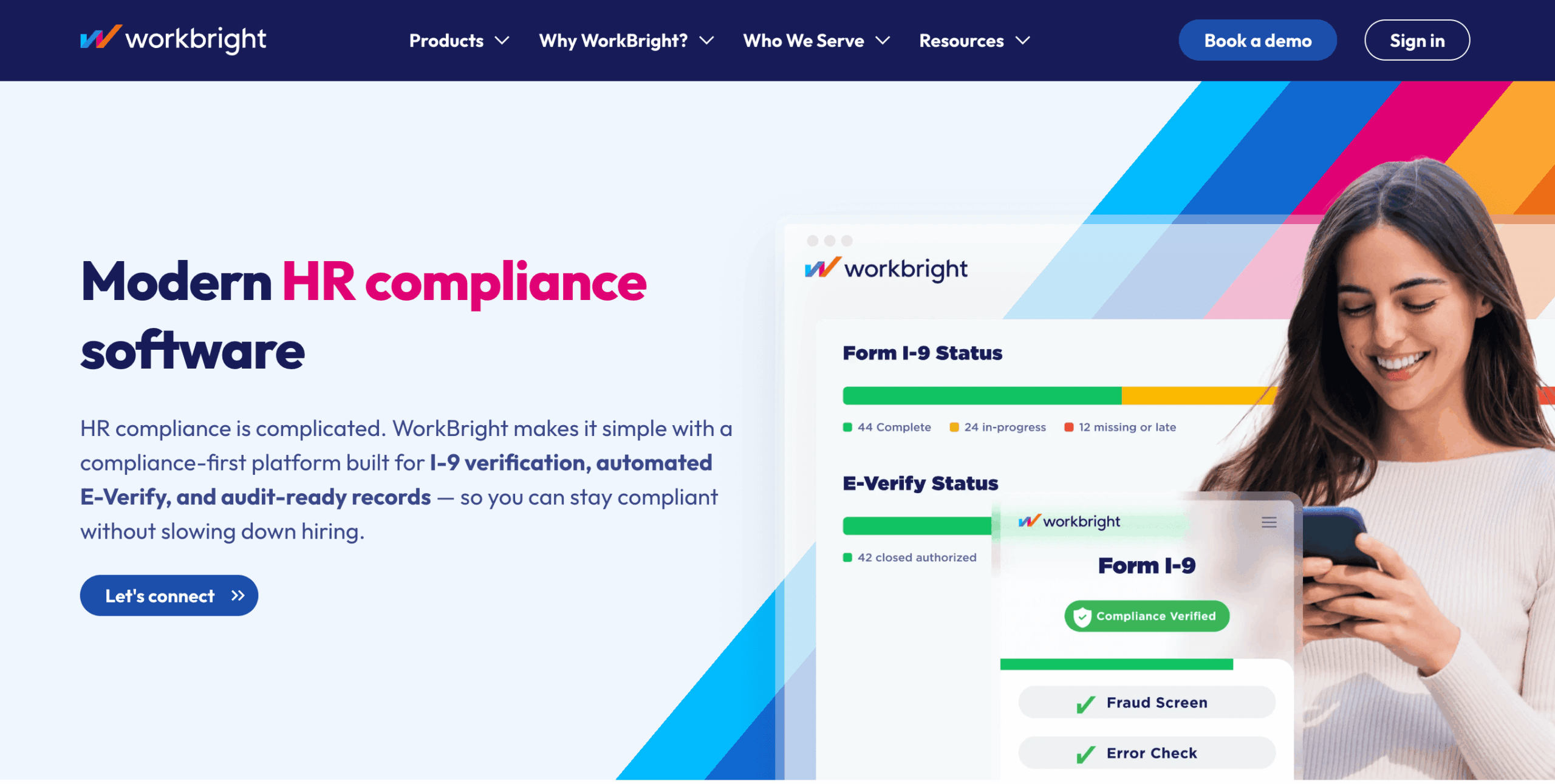
WorkBright focuses on onboarding employees who are not physically present in the office. It helps companies collect forms, verify documents, and stay compliant without in-person meetings.
For industries like healthcare, logistics, construction, and staffing, remote onboarding is common. WorkBright simplifies that process and reduces paperwork delays.
Features
- Remote I-9 and document verification
- Digital form completion
- Automated reminders
- Mobile-friendly onboarding
- Compliance tracking
- Integration with HR systems
Pros
- Strong compliance support
- Mobile-first experience
- Works well for field workers
- Reduces manual paperwork
Cons
- Focused mainly on compliance
- Limited training or engagement tools
- Pricing may be high for small teams
Pricing
WorkBright offers custom pricing based on hiring volume and company size. Businesses need to contact sales for exact costs.
Verdict
WorkBright is ideal for organizations that hire remote or field employees and need secure document collection. It is less about culture and more about compliance and efficiency.
5. Collage – Best for Canadian Businesses
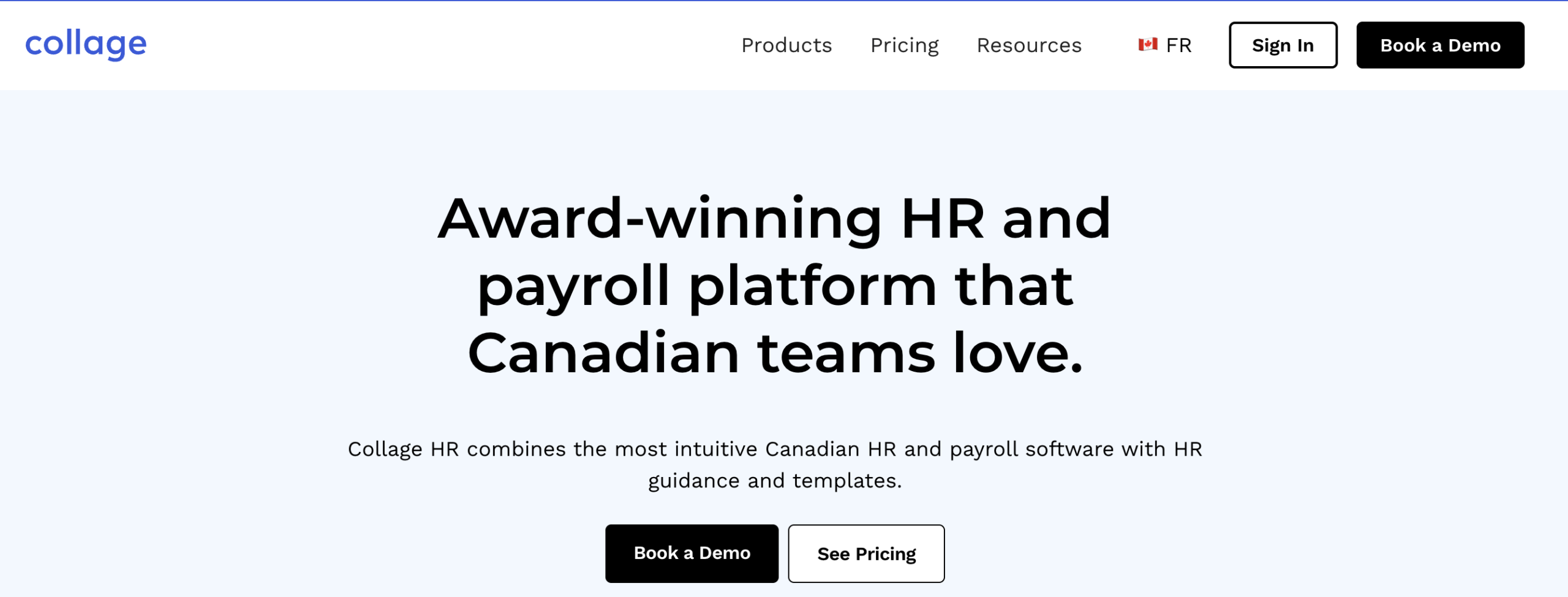
Collage is an HR software platform built with Canadian companies in mind. It combines onboarding, payroll, time tracking, and benefits management in one system.
For businesses operating in Canada, compliance rules can differ from other regions. Collage helps manage onboarding while staying aligned with local regulations.
Features
- Digital onboarding workflows
- E-signature and document storage
- Payroll and benefits management
- Time-off tracking
- Employee database
- Compliance tools for Canadian laws
Pros
- Built for Canadian compliance
- Combines HR and payroll
- Easy document management
- Centralized employee records
Cons
- Best suited for Canadian companies
- Limited global payroll features
- May not fit companies outside Canada
Pricing
Collage offers tier-based pricing depending on company size and required modules. Businesses need to request pricing details.
Verdict
Collage works well for Canadian small to mid-sized businesses that want onboarding and payroll under one system. It simplifies HR operations without requiring multiple tools.
6. weDocs – Best for Structured Knowledge-Based Onboarding
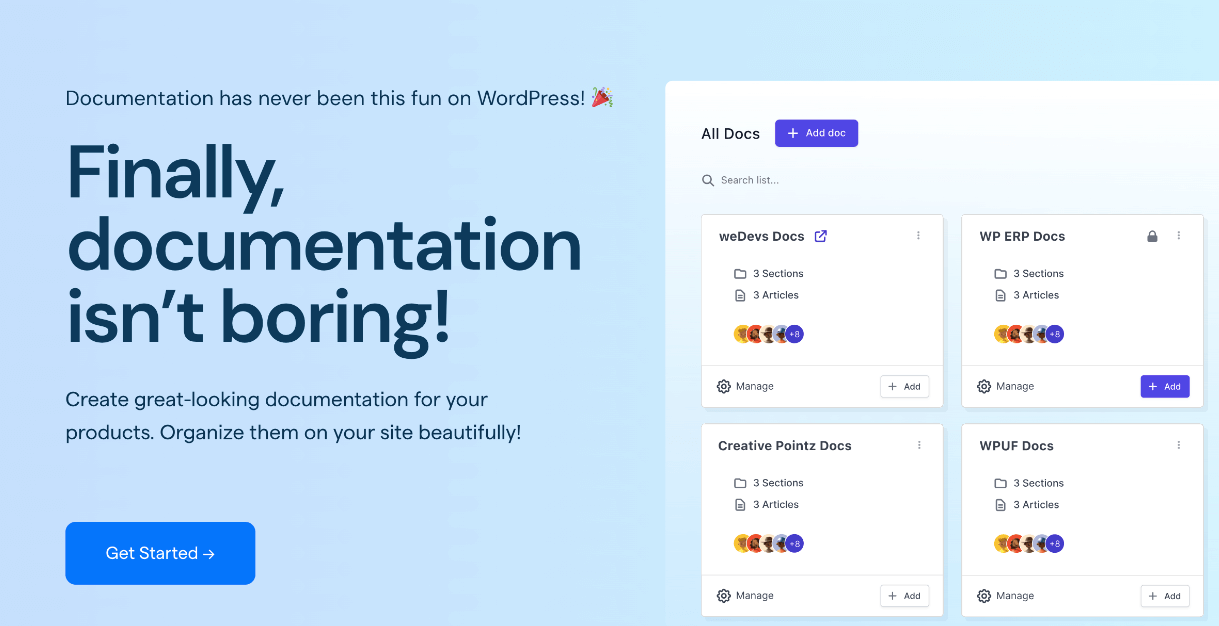
At first glance, weDocs is not a traditional onboarding software. It is a WordPress documentation and knowledge base plugin. So why is it on this list?
Because onboarding is not only about forms and payroll. It is also about knowledge transfer.
Most companies struggle with repeated explanations. New hires ask the same questions. Managers repeat internal processes. SOPs are scattered across Google Docs, Slack, and email threads.
This is where weDocs fits.
Instead of managing onboarding knowledge in random files, companies can build a structured internal onboarding portal inside WordPress.
How weDocs Can Be Used for Onboarding
You can create:
- A “New Employee Guide” section
- Step-by-step onboarding checklists
- Role-based documentation
- Internal SOP libraries
- Tool usage guides
- Company policies and handbooks
Everything can be organized into categories and nested documents. New hires simply log in and follow the structured path.
It becomes a self-serve onboarding hub.
Features
- Nested documentation structure
- Role-based access control
- Shortcode support for flexible placement
- Clean and structured layout
- Easy content updates
- Integration with WordPress user roles
Pros
- Ideal for internal knowledge management
- Reduces repetitive onboarding questions
- Affordable compared to full HR suites
- Works well for remote teams
- Full control over content structure
Cons
- Not a payroll or HR management system
- No built-in compliance workflows
- Requires WordPress setup
Pricing
weDocs offers free and premium versions. The premium plan unlocks advanced features such as access control and customization. Pricing is significantly lower than full HR software.
Verdict
weDocs is not a replacement for HR onboarding platforms. Instead, it complements them.
If your company already uses payroll or HR tools but struggles with knowledge sharing and structured onboarding materials, weDocs can act as your internal onboarding portal.
It is especially useful for WordPress-based companies, product teams, and remote organizations that need organized documentation.

7. Gusto – Best for Payroll-Driven Onboarding
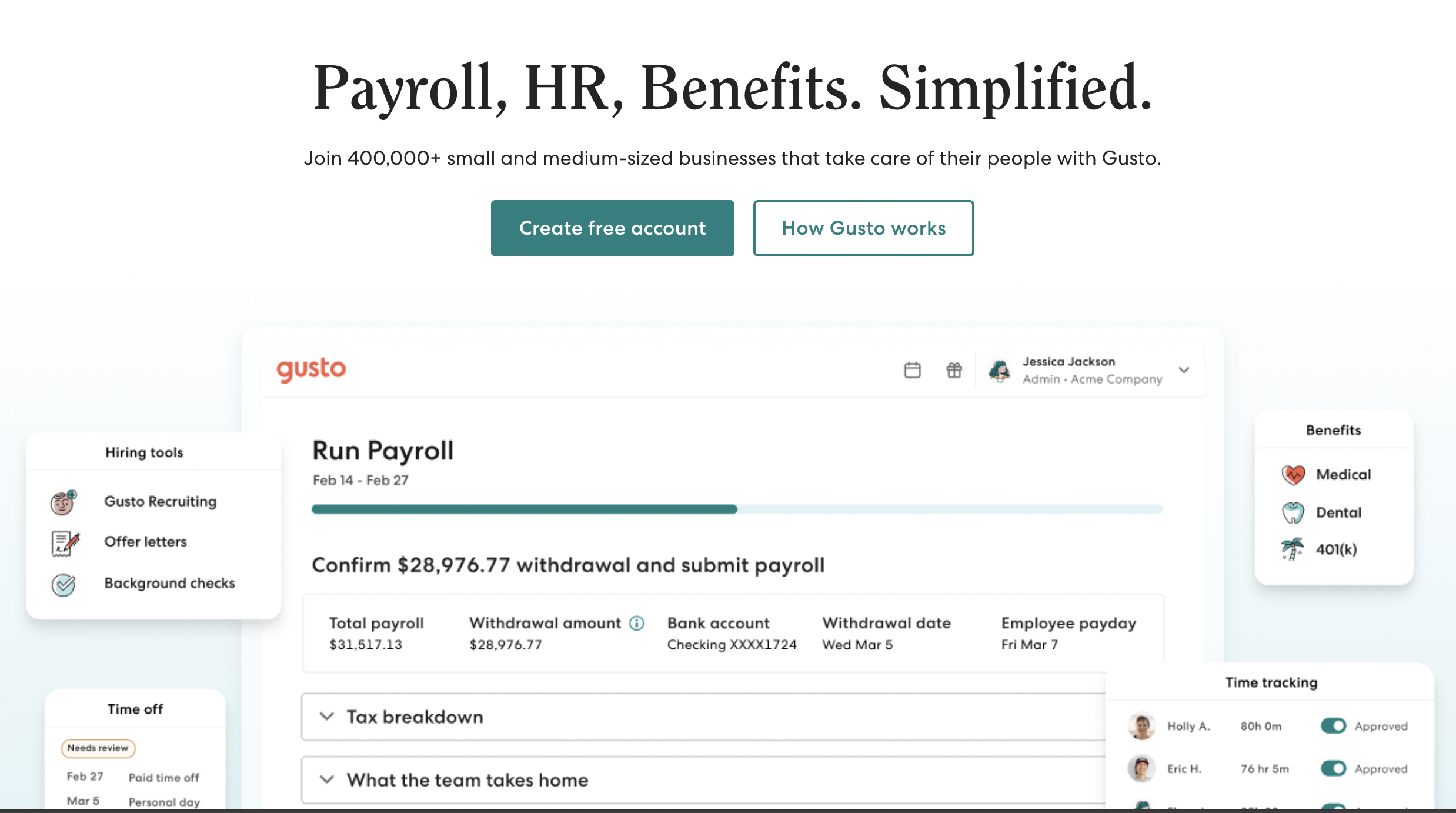
Gusto is known for payroll, but it also includes onboarding features. It is designed for small to mid-sized businesses that want hiring, onboarding, and payroll connected in one system.
When a new employee joins, Gusto allows companies to send offer letters, collect tax forms, and set up payroll in a structured way. Instead of using separate systems, everything flows into payroll automatically.
Features
- Digital offer letters
- Tax form collection and e-signature
- Payroll setup during onboarding
- Benefits enrollment
- Employee self-service portal
- Compliance reminders
Pros
- Payroll and onboarding connected
- Easy tax document collection
- Good for small businesses
- Clear interface for employees
Cons
- Primarily US-focused
- Limited advanced training features
- Not ideal for large enterprises
Pricing
Gusto uses tier-based pricing. Plans usually start with a base monthly fee plus a per-employee cost. Advanced features like benefits and HR tools increase the price.
Verdict
Gusto is a good fit for companies that want onboarding closely tied to payroll and tax compliance. It simplifies administrative tasks, especially for small teams in the US.
8. ClearCompany – Best for Structured Hiring and Onboarding Workflows
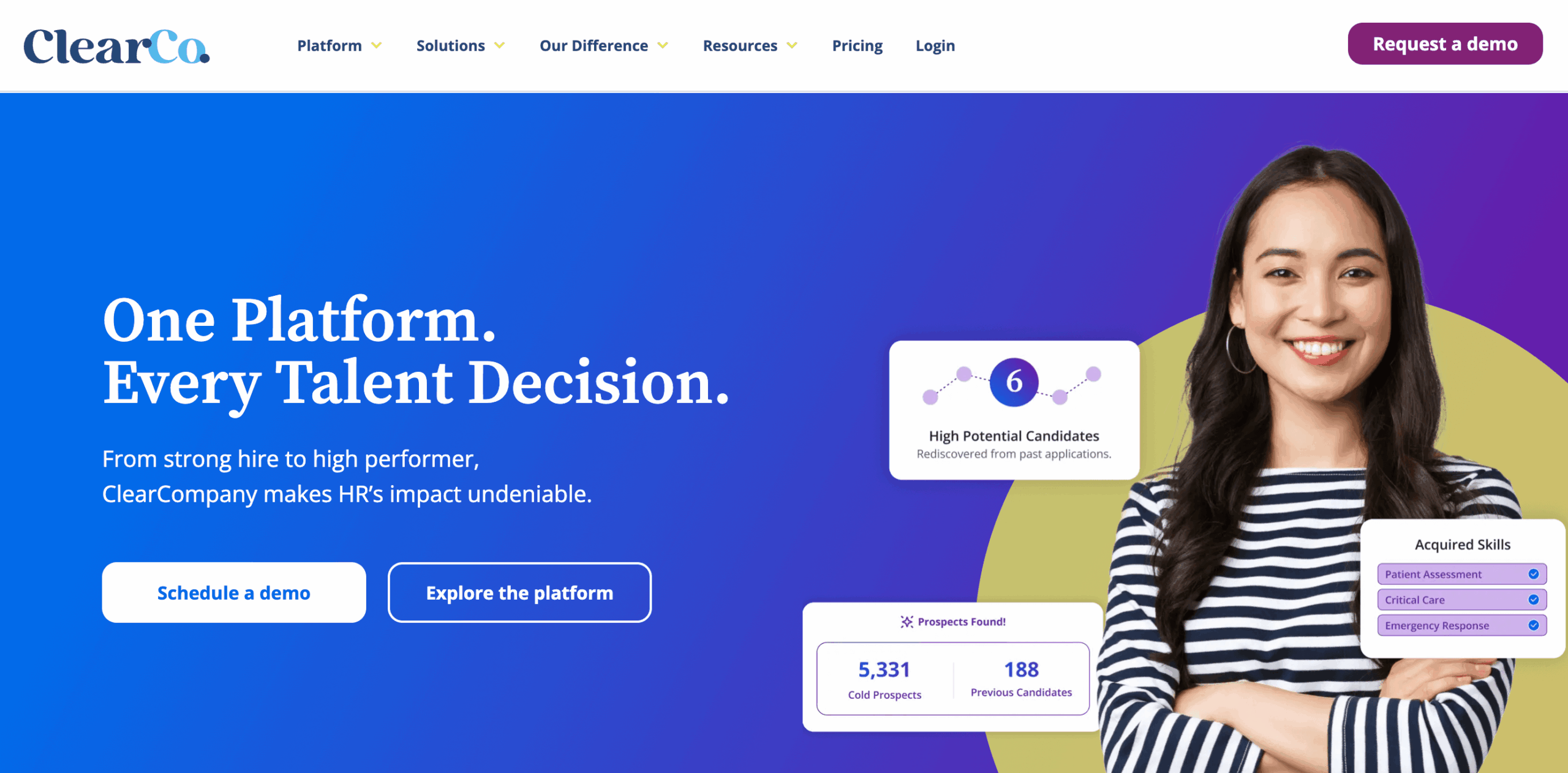
ClearCompany combines applicant tracking, onboarding, and talent management in one platform. It is designed for companies that want a structured journey from hiring to full productivity.
Instead of treating onboarding as a separate step, ClearCompany connects it directly to recruitment. Once a candidate is hired, the onboarding workflow starts automatically.
Features
- Automated onboarding workflows
- Offer letter management
- Task assignments for teams
- Goal setting and performance tracking
- Reporting and analytics
- Integration with HR systems
Pros
- Strong workflow automation
- Connects hiring and onboarding
- Good visibility for managers
- Suitable for mid-sized and growing teams
Cons
- May feel complex for small businesses
- Pricing is not transparent
- Requires setup and training
Pricing
ClearCompany offers custom pricing based on company size and selected modules. Businesses need to request a demo for detailed pricing.
Verdict
ClearCompany works well for organizations that want structured onboarding linked with talent management. It is more suitable for mid-sized companies that need visibility across hiring and employee performance.
9. SuitePeople – Best for Companies Using NetSuite
SuitePeople is part of the NetSuite ecosystem. It is designed for companies already running their core business operations in NetSuite. If your HR data lives in the same system as finance, inventory, and customer records, onboarding becomes smoother and more connected.
SuitePeople handles onboarding alongside HR, payroll, and employee data inside NetSuite. That means no separate tools and fewer data silos.
Features
- Employee onboarding workflows
- HR data centralized in NetSuite
- Payroll and benefits modules
- Performance and goals tracking
- Self-service employee portal
- Reporting and dashboards
Pros
- Centralized data across business functions
- Strong reporting and analytics
- Works well for mid-sized to enterprise companies
- Reduces data silos
Cons
- Requires NetSuite subscription
- Not ideal for small businesses
- Implementation can be complex
Pricing
SuitePeople is part of the NetSuite suite. Pricing varies based on modules and users. Companies must request a quote from Oracle NetSuite.
Verdict
SuitePeople is best for companies already invested in NetSuite. It is not a standalone onboarding tool, but it adds structured onboarding inside a full business system.
10. Rippling – Best for Unified HR and IT Onboarding
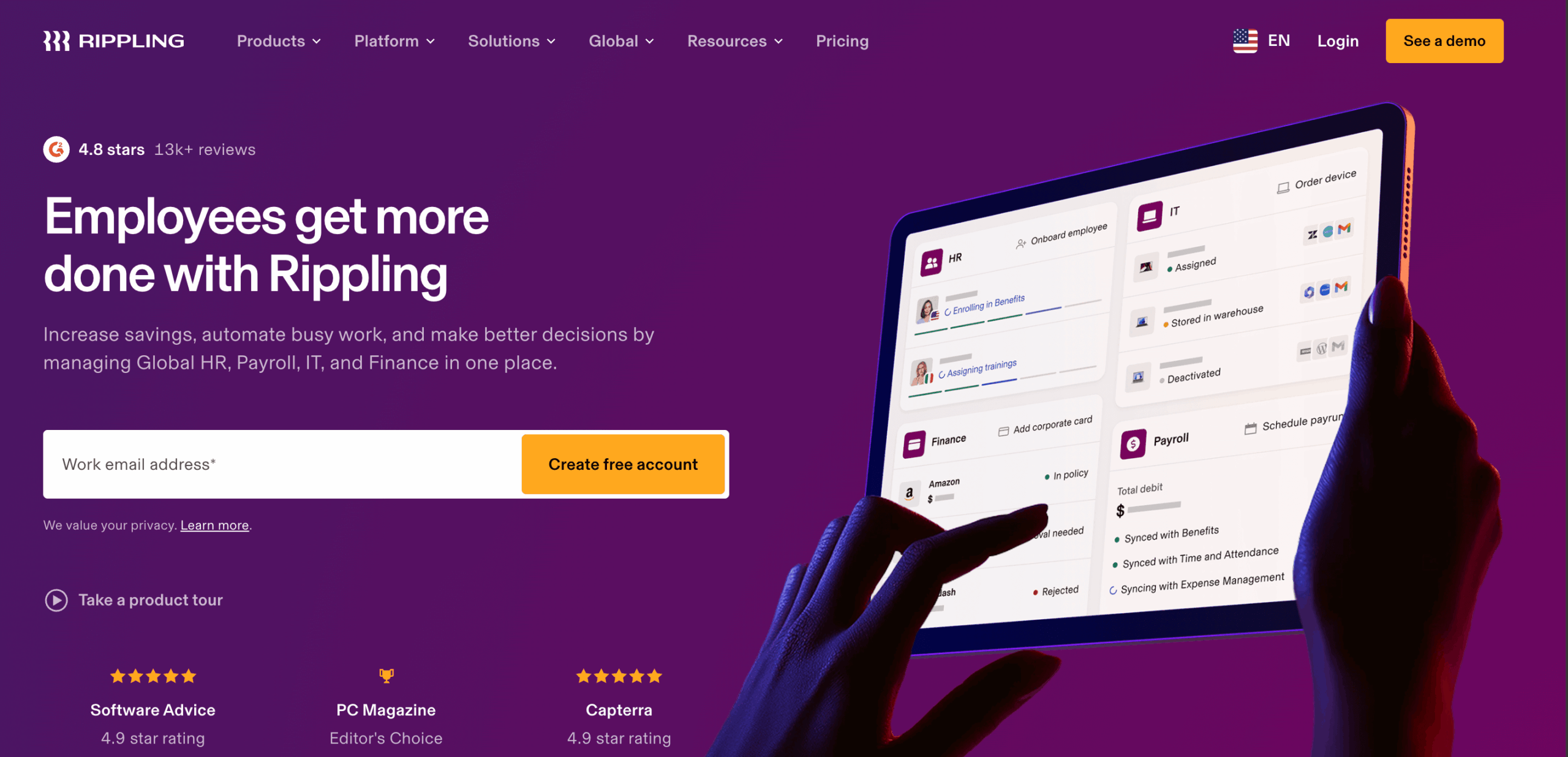
Rippling aims to automate not just HR tasks but also IT setup. It connects employee onboarding with account provisioning, device setup, and access management in one flow.
For many companies, onboarding includes creating email accounts, granting access to tools (Slack, Jira, Google Workspace), and managing hardware. Rippling automates all of this alongside HR processes.
Features
- Automated onboarding checklists
- HR data and payroll
- IT account provisioning
- App access management
- Device and security policies
- Time tracking and benefits
Pros
- Connects HR and IT onboarding
- Reduces manual setup tasks
- Centralized employee data
- Works well for growing teams
Cons
- Can be expensive
- May be more than what very small teams need
- Setup can require coordination across departments
Pricing
Rippling offers custom pricing based on company size and required modules. You need to request a quote.
Verdict
Rippling is ideal for companies that want onboarding to extend beyond HR tasks and include IT provisioning. It automates work that would otherwise require multiple tools.
11. Trainual – Best for Playbook-Based Onboarding
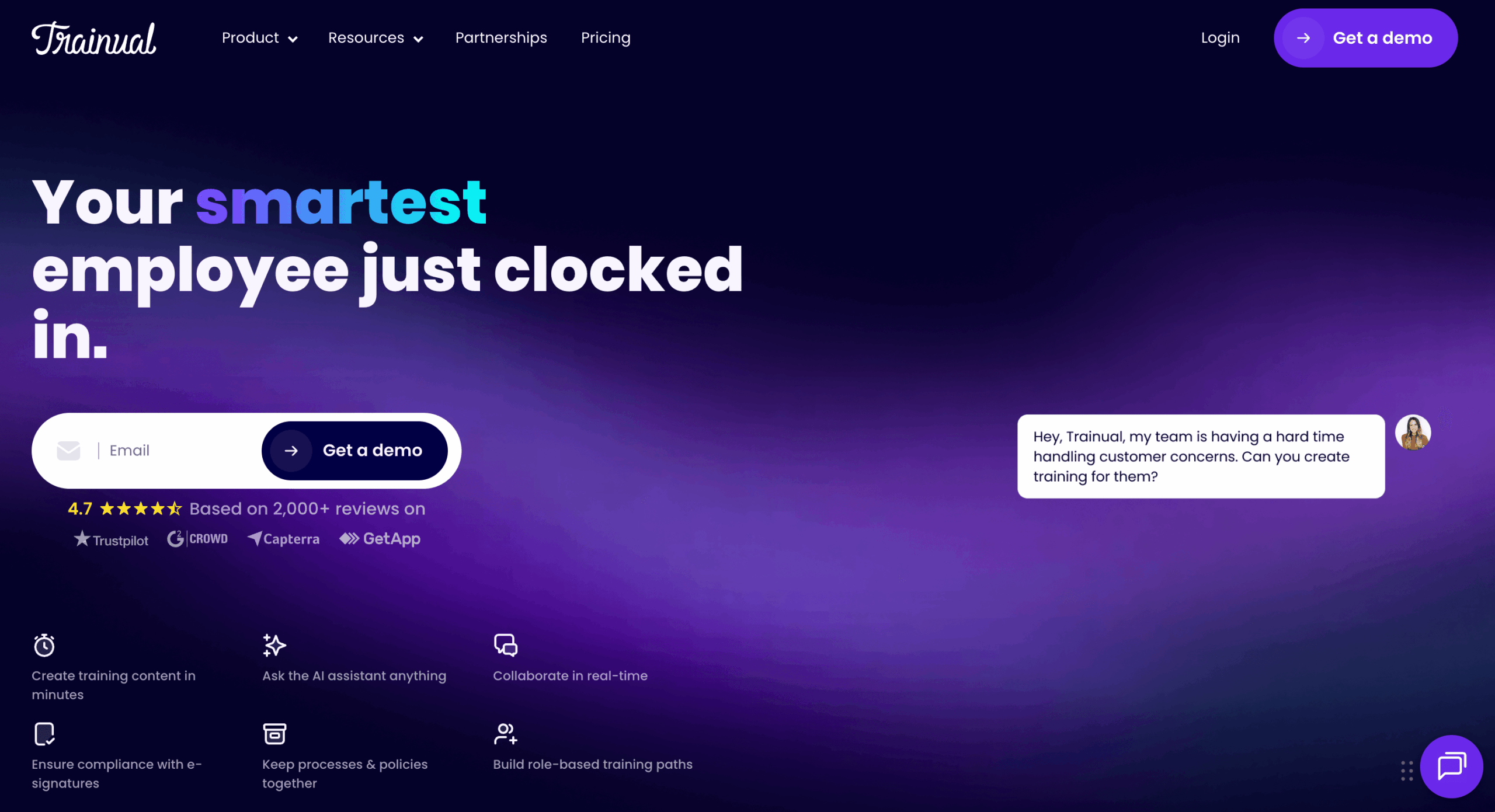
Trainual focuses on creating structured playbooks for onboarding, training, and ongoing team education. Instead of forms or payroll features, Trainual helps you build clear guides that tell new hires what to do, when to do it, and how to do it.
This makes it ideal for companies that want a repeatable onboarding process with clear learning paths.
Features
- Structured playbooks and guides
- Task tracking and checklists
- Role-based content assignment
- Assessments and quizzes
- Progress tracking
- Integrations with HR and communication tools
Pros
- Easy to build onboarding workflows
- Great for consistent training
- Progress tracking helps managers
- Clean and modern interface
Cons
- Not a full HR or payroll system
- Pricing can increase with users and content
- Less focus on compliance features
Pricing
Trainual pricing is tiered based on users and features. There are plans for small teams and higher tiers for growing teams with advanced needs.
Verdict
Trainual is best for companies that want consistent onboarding playbooks and training paths. It works for remote teams, distributed workforces, and organizations that care about learning consistency.
What Do I Think?
There is no single best employee onboarding software for everyone. The right choice depends on how your organization operates.
- If you are a small business in the US and want payroll and onboarding connected, Gusto makes sense. It keeps compliance and payments simple.
- If you are a growing company that wants full HR management, BambooHR or Rippling will give you broader control. They handle employee records, onboarding, and automation in one system.
- If your focus is structured training and playbooks, Trainual works well. It ensures every new hire follows the same learning path.
- If your team is remote and you want stronger human connection, Donut helps build early relationships.
Now let’s talk about something slightly different.
If your company already has HR and payroll tools but struggles with knowledge transfer, then a tool like weDocs can fill that gap. It will not manage payroll or tax forms. But it can become your internal onboarding hub. You can build structured guides, SOPs, tool instructions, and role-based documentation. That reduces repeated explanations and saves managers time.
In many cases, companies combine tools. For example:
- Gusto for payroll
- weDocs for onboarding documentation
- Donut for team connection
The best setup is often a combination that matches your workflow.
FAQs
1. What is employee onboarding software?
Employee onboarding software is a system that helps companies manage the process of welcoming and setting up new employees. It usually handles documents, task assignments, training materials, and progress tracking in one place.
Instead of using email and spreadsheets, companies use onboarding software to automate steps and reduce manual work.
2. How does onboarding software save time?
It saves time by automating repetitive tasks.
Documents are sent automatically.
Reminders are triggered without manual follow-up.
Checklists are pre-built for each role.
HR teams and managers do not need to repeat the same instructions for every new hire. Over time, this saves many hours.
3. Is onboarding software only for large companies?
No.
Small businesses benefit just as much. Even a team of 10 people can lose time if onboarding is unstructured. The difference is that small teams may choose simpler tools, while larger organizations may need full HR systems.
4. Can I use a documentation tool like weDocs for onboarding?
Yes, depending on your needs.
If you need payroll, tax forms, and compliance tracking, you will need a dedicated HR platform. But if your challenge is organizing internal guides, SOPs, and training materials, a documentation tool like weDocs can work well.
It can act as a structured onboarding portal where new hires follow step-by-step guides and access internal knowledge in one place.
5. What features should I look for in onboarding software?
Look for features that match your workflow, such as:
- Automated task assignments
- Document management
- E-signatures
- Progress tracking
- Integration with payroll or HR systems
- Role-based access
The goal is not to choose the most complex system. The goal is to choose one that fits your team size and structure.
Conclusion
Employee onboarding is more than paperwork. It sets the tone for how a new hire experiences your company.
When onboarding is disorganized, employees feel confused. Managers repeat the same instructions. HR spends hours chasing documents. Over time, this slows down productivity.
The right onboarding software reduces that friction. It centralizes tasks, documents, training, and communication in one system. Some tools focus on payroll and compliance. Others focus on training and engagement.
There is no universal solution. A startup may need a lightweight system. A growing company may prefer a full HR suite. A remote team may combine payroll software with a documentation hub like weDocs to structure internal knowledge. The important part is this. Onboarding should be clear, repeatable, and easy to manage.
Choose a system that matches your workflow, not just your budget. That is what makes onboarding software truly useful.
Subscribe to
weDocs blog
We send weekly newsletters,
no spam for sure!