
Your knowledge base might be full of articles. But full does not mean helpful.
According to a report by HelpDocs, employees spend an average of 20% of their workweek searching for information they cannot find. That is one full day every week, gone. And if your own team cannot find answers in your knowledge base, your customers definitely cannot.
Outdated articles, broken links, duplicate content, and poor structure quietly chip away at your self-service success rate. Users hit a wall, give up, and file a support ticket. Your team answers the same questions over and over. And the problem compounds every time a product update goes out without a documentation update to match.
A knowledge base audit fixes all of that. In this guide, you will learn what a knowledge base audit actually covers, the exact steps to run one, the metrics that matter, and how to keep your documentation in good shape long after the audit is done.
What is a Knowledge Base Audit?
A knowledge base audit is a structured review of your documentation to assess its accuracy, usability, structure, and performance. The goal is simple: find what is broken, what is missing, and what is working, then fix it.
But a knowledge base audit is not just a content cleanup. That is a common misunderstanding. Here is how it differs from related terms:
- A content audit focuses on what exists, whether it is accurate, and whether it needs to be updated, merged, or removed.
- A knowledge audit goes deeper. It looks at what your organization knows, what is documented, what is not, and where the gaps are that could hurt users or internal teams.
- A documentation audit focuses on the quality, structure, and organization of written materials, including how well they serve the reader.
A full knowledge base audit combines all three. It looks at content quality, yes. But it also examines your navigation structure, your search performance, your user behavior data, and the gaps that no one has filled yet. That is what separates a surface-level cleanup from an audit that actually moves the needle.
Understand Why Knowledge Base Audits Matter
A knowledge base that has never been audited is like a filing cabinet that nobody organizes. Things go in. Nothing comes out in the right order. Here is why running a regular audit is worth the investment.
1. Cut Down Support Tickets
Every article that clearly answers a user question is a support ticket that never gets created. When your documentation is accurate, findable, and current, users solve their own problems. Support teams spend time on real issues, not repeated ones.

2. Improve Self-Service
Self-service only works when users can actually find what they need. An audit identifies the gaps and navigation problems that make users give up and reach out instead.
3. Remove Outdated Information
Old screenshots, deprecated workflows, and instructions that no longer match your product do more harm than no documentation at all. They confuse users and destroy trust. An audit surfaces these problems so you can fix them.
4. Improve Search Experience
Poor search results push users toward support. An audit looks at your zero-result searches, your most common search terms, and whether your articles are structured in a way that your search engine can actually surface them.
5. Help Teams Find Information Faster
Internal teams rely on documentation too. When your knowledge base is messy, onboarding slows down, processes break, and institutional knowledge stays trapped in people’s heads instead of in searchable docs.
6. Increase Customer Satisfaction
Users who find answers quickly trust your product more. A well-audited knowledge base is a direct investment in customer experience. The correlation is not subtle.
7. Prepare Your Knowledge Base for AI Search
This is the angle most teams miss. AI-powered search tools, including those built into help centers and third-party tools like ChatGPT plugins, pull answers from your documentation. If your content is outdated, duplicated, or poorly structured, AI will surface wrong answers confidently. Auditing your knowledge base for AI readiness is no longer optional for teams that want to stay competitive.
Spot the Signs Your Knowledge Base Needs an Audit
You do not always need a calendar reminder to know an audit is overdue. Your knowledge base will tell you. Here are the warning signs.
Users Cannot Find Answers
If your support team regularly hears “I looked in the docs and couldn’t find it,” that is not a user problem. That is a documentation problem.
Duplicate Articles Exist
Two articles covering the same topic with different answers is worse than one article. Users do not know which one to trust. Duplicates are a sign your knowledge base has grown without a plan.
Support Tickets Keep Increasing
A healthy knowledge base deflects tickets. If your ticket volume keeps climbing despite having documentation, the docs are not doing their job.
Articles Have Outdated Screenshots
A screenshot of a UI that no longer exists tells users your documentation is stale. One outdated screenshot can shake confidence in every other article.
Search Results Are Poor
Type a common user question into your own knowledge base search. If the right article does not appear on the first page, your users are hitting that same wall.
High Bounce Rates on Docs
Users land on an article and immediately leave. That is a signal the content did not match what they were looking for, or it was too hard to read through.
Internal Teams Stop Using It
When your own team starts sending Slack messages instead of linking to documentation, the knowledge base has lost credibility internally. That is a loud signal.
Content Structure Feels Messy
If you cannot explain your own knowledge base structure in two sentences, users definitely cannot navigate it. A messy structure is not a minor inconvenience. It undermines the entire self-service experience.

Know What to Audit in a Knowledge Base
A thorough audit covers more than just articles. Here is everything that deserves a close look.
- Content Accuracy: Are the instructions still correct? Do the steps match the current version of your product? Accuracy is the foundation. Everything else is secondary.
- Content Freshness: When was each article last reviewed? A publish date of three years ago on a fast-moving product is a red flag. Freshness matters both for users and for search engines.
- Internal Linking: Do related articles link to each other? Strong internal linking keeps users moving through your knowledge base instead of bouncing out to search.
- Navigation Structure: Can a first-time user find what they need without guessing? Navigation should feel obvious, not like a puzzle.
- Categories and Hierarchy: Are your categories logical? Do they reflect how users think about your product, or how your internal team organized things years ago? The two are often very different.
- Search Queries: What are users searching for? What searches return zero results? This data tells you exactly where your knowledge base is falling short.
- Broken Links: A broken link in a troubleshooting guide is a dead end for a frustrated user. Audit every link. Fix what is broken.
- Readability: Long paragraphs, passive voice, and technical jargon all hurt comprehension. Your documentation should be readable by someone who is new to your product and possibly stressed out.
- Multimedia Assets: Images, GIFs, and videos go stale faster than text. An audit checks whether every visual asset still reflects the current product experience.
- SEO Performance: Your documentation pages rank in Google. Users find them through search. If your articles are not optimized for the terms users actually search, you are leaving self-service traffic on the table.
- User Engagement Metrics: Which articles get the most views? Which ones have the highest exit rates? Engagement data shows you where users succeed and where they give up.
How to Run a Knowledge Base Audit Step by Step
A good audit follows a process. Here is exactly how to do it.
Step 1: Define Your Audit Goals
Before you touch a single article, decide what you are trying to fix. Common goals include reducing support ticket volume, improving onboarding success, increasing search success rates, or preparing documentation for AI search tools. Your goals shape every decision that follows.
Step 2: Inventory Your Existing Content
Create a spreadsheet and list every article. For each one, capture the title, the owner, the last updated date, the view count, the bounce rate, and the current status. This gives you the full picture before you start making changes. You cannot fix what you cannot see.
Step 3: Identify Outdated and Duplicate Content
Go through your inventory and flag anything with expired workflows, old UI screenshots, repeated answers, or broken instructions. Mark each article as keep, update, merge, or delete. Do not skip the merge step. Two mediocre articles often combine into one strong one.
Step 4: Analyze User Search Behavior
This step is where most teams find their biggest surprises. Pull your search data and look for zero-result searches, the most searched keywords, failed search patterns, and the keywords that show up most in your support tickets. What users search for tells you what they expect to find. What returns no results tells you exactly what is missing.
Step 5: Evaluate Content Performance
Look at your analytics. Find your most viewed articles and make sure they are in top shape since they carry the most traffic. Find articles with high exit rates and figure out why users are leaving. Identify low-engagement pages that may be buried in your navigation or simply not useful. Your data tells you where to focus your energy.
Step 6: Review Content Structure
Step back from individual articles and look at the whole system. Are your categories logical? Does the navigation make sense for a first-time user? Do breadcrumbs help users understand where they are? Are articles tagged consistently? Good structure is the difference between a knowledge base users trust and one they avoid.
Step 7: Improve Readability
Content that is hard to read does not get read. Here is what to fix:
- Short paragraphs keep readers moving. Three sentences is a good ceiling for any paragraph in a help article.
- Clear headings let users scan and jump to the part they need. Every heading should tell the reader exactly what the section covers.
- Better formatting means using bullet points, numbered steps, and bold text to break up information. A wall of text intimidates users before they read a word.
- Visual instructions replace long written steps with screenshots, annotated images, or short screen recordings. Showing is faster than telling.
- Beginner-friendly language removes jargon. If a new user could not understand it, rewrite it until they can.
Step 8: Identify Knowledge Gaps
This is one of the most valuable parts of any audit and one of the most skipped. Look at your most common support ticket topics. Find the questions that come up over and over but have no article to answer them. Check whether your onboarding documentation covers the full new user journey. Look for missing troubleshooting guides, missing developer or API docs, and missing release notes. Every gap is a self-service failure waiting to happen.
Step 9: Assign Ownership
Documentation with no owner goes stale fast. After the audit, every article should have a named owner, a reviewer, a defined review cycle, and an update schedule. This sounds like overhead. It is actually the thing that keeps your knowledge base from needing another full audit in six months.
Step 10: Create an Ongoing Audit Process
A one-time audit is better than nothing. An ongoing audit process is what actually keeps your knowledge base healthy. Set up monthly spot-checks for high-traffic articles, quarterly audits for full sections, and release-based reviews that trigger a documentation update every time a product feature changes. Build it into your workflow, not your calendar.
Use This Knowledge Base Audit Checklist
Run through this checklist during every audit. It covers the full scope of what a solid knowledge base review should include.
Content Quality
- All instructions accurate and current
- No outdated screenshots or UI references
- No duplicate articles
- All articles written in plain, readable language
Structure and Navigation
- Categories reflect how users think, not internal team logic
- Navigation is clear for first-time users
- Breadcrumbs present and accurate
- Sidebar organized and not overwhelming
SEO and Searchability
- Article titles use terms users actually search
- Meta descriptions present and accurate
- Internal links connect related articles
- No keyword stuffing or vague titles
Accuracy and Freshness
- All articles reviewed within the past 12 months
- Release notes updated with every product change
- Deprecated features removed or marked clearly
Analytics and Engagement
- High-exit articles identified and improved
- Zero-result searches reviewed and addressed
- Most-viewed articles in top condition
Internal Linking
- Related articles linked within content
- No orphaned articles with no inbound links
- Link text is descriptive and accurate
Accessibility
- All images have descriptive alt text
- Font sizes readable without zooming
- Color contrast meets readability standards
Mobile Experience
- All pages readable on mobile without horizontal scrolling
- Images scale correctly on small screens
- Navigation accessible on touch devices
Avoid These Common Knowledge Base Audit Mistakes
Most audit problems come from the same handful of shortcuts. Here is what to watch out for.
Only Auditing Popular Articles
High-traffic articles matter most, but they are not the only ones that need attention. Users land on low-traffic articles too, often when they are most frustrated and most in need of accurate help. Audit everything.
Ignoring Search Analytics
Your search data is the clearest possible signal of what users need and cannot find. Ignoring it means making decisions based on assumptions instead of evidence.
Skipping Documentation Ownership
An article with no owner has no one responsible for keeping it accurate. Ownership is not a bureaucratic detail. It is what keeps documentation alive after the audit ends.
Updating Content Without Fixing Structure
You can update every article and still have a broken knowledge base if the navigation is confusing, the categories are illogical, and the search does not surface the right content. Content quality and structural quality have to be fixed together.
Forgetting Internal Teams
Your knowledge base probably serves support agents, sales teams, and new hires as well as customers. If internal users cannot find what they need, the audit is only half done.
Ignoring Mobile Users
A large share of support traffic comes from mobile devices. If your articles are hard to read on a phone, you are failing a significant portion of your users without realizing it.
Running One Audit and Stopping
A knowledge base audit is not a project with an end date. It is a practice. Teams that treat it as a one-time fix are back in the same position 18 months later.
Track the Right Metrics During a Knowledge Base Audit
Numbers tell you what gut feeling misses. Here are the metrics that actually matter.
- Article Views: High-traffic articles carry the most risk. If something is wrong with a page 10,000 users land on every month, that is 10,000 people getting the wrong information.
- Bounce Rate: A high bounce rate on a help article usually means one of two things: the user found their answer immediately, or they did not find it at all and left. Analytics context helps you tell the difference.
- Search Success Rate: What percentage of searches lead to a user clicking an article? A low search success rate points to gaps in your content or problems with how articles are titled and tagged.
- Time on Page: Very short time on page combined with a high bounce rate suggests users are not finding what they need. Longer time on page on complex troubleshooting articles is expected and healthy.
- Ticket Deflection Rate: How many support tickets are being avoided because users found the answer in your knowledge base? This metric directly ties documentation quality to support cost.
- Customer Satisfaction Score: If you use post-article feedback ratings, track them. Low satisfaction scores on specific articles point you directly to what needs fixing.
- Broken Link Count: Every broken link is a dead end. Track them, fix them, and monitor them on an ongoing basis.
- Zero-Result Searches: This is your gap report. Every search that returns no results is a user need your knowledge base is not meeting. Track these searches and turn them into articles.
Use the Best Knowledge Base Audit Tools
The right tools make the audit faster and the findings more reliable. Here are the ones worth knowing about.
Document360
Document360 is a purpose-built knowledge base platform with strong built-in analytics. It tracks article performance, search behavior, and team activity. For teams running regular audits, the content management and search insight features make it a natural fit.
HelpDocs
HelpDocs keeps things simple. It is built for teams that want clean knowledge base organization and straightforward audit workflows. Good choice for smaller teams that need clarity without complexity.
Bloomfire
Bloomfire focuses on enterprise knowledge management. It includes knowledge mapping and collaboration insights, which makes it useful for auditing not just what is documented but what knowledge exists across your organization.
Google Analytics
Google Analytics tracks user behavior on your documentation pages. Bounce rates, session duration, traffic sources, and search queries all live here. It is free and gives you data no dedicated documentation tool can match for raw traffic analysis.
Screaming Frog
Screaming Frog crawls your knowledge base the way a search engine does. It finds broken links, missing metadata, redirect chains, and duplicate content quickly. Run it before and after an audit to measure structural improvements.
weDocs
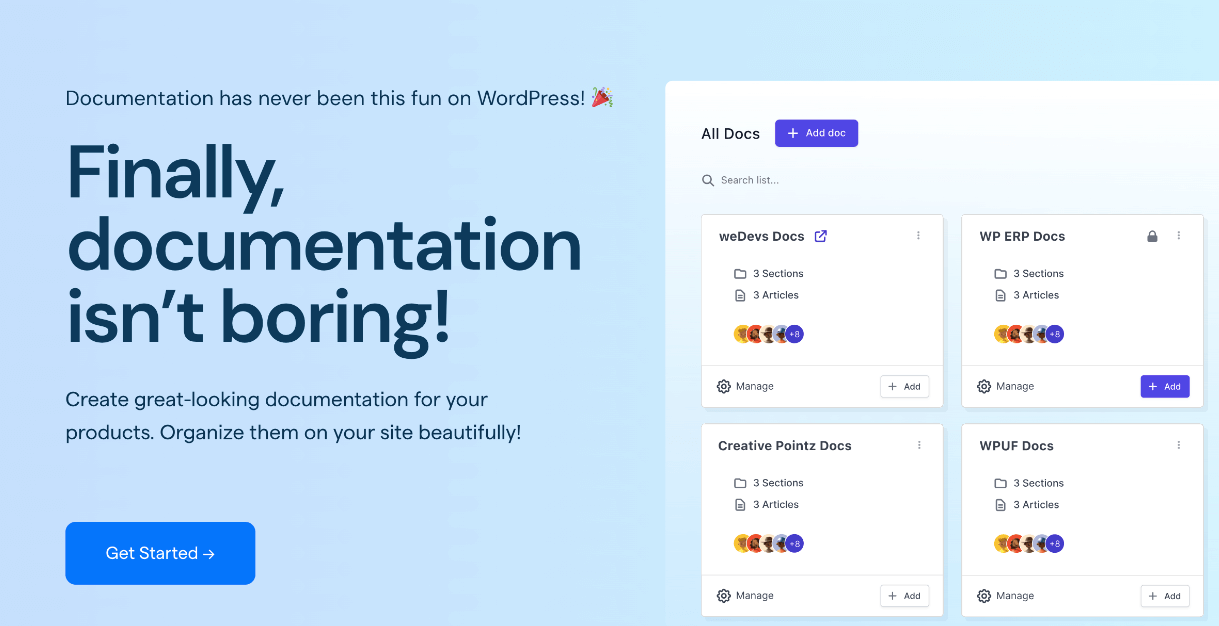
weDocs is a WordPress-based documentation solution built for teams that want structured, searchable, and easy-to-maintain knowledge bases. For SaaS companies and plugin developers already running on WordPress, it removes the friction of managing documentation in a separate tool. The nested documentation structure makes it easy to organize content logically, find what needs updating, and keep your knowledge base clean between audits.
Use weDocs for Your Knowledge Base Audit
weDocs is not just a place to store documentation. With the right setup, it actively makes your knowledge base easier to audit and maintain. Here is how.
Organize Your Documentation Clearly
Start with a clean structure. Here is an example you can replicate inside weDocs:
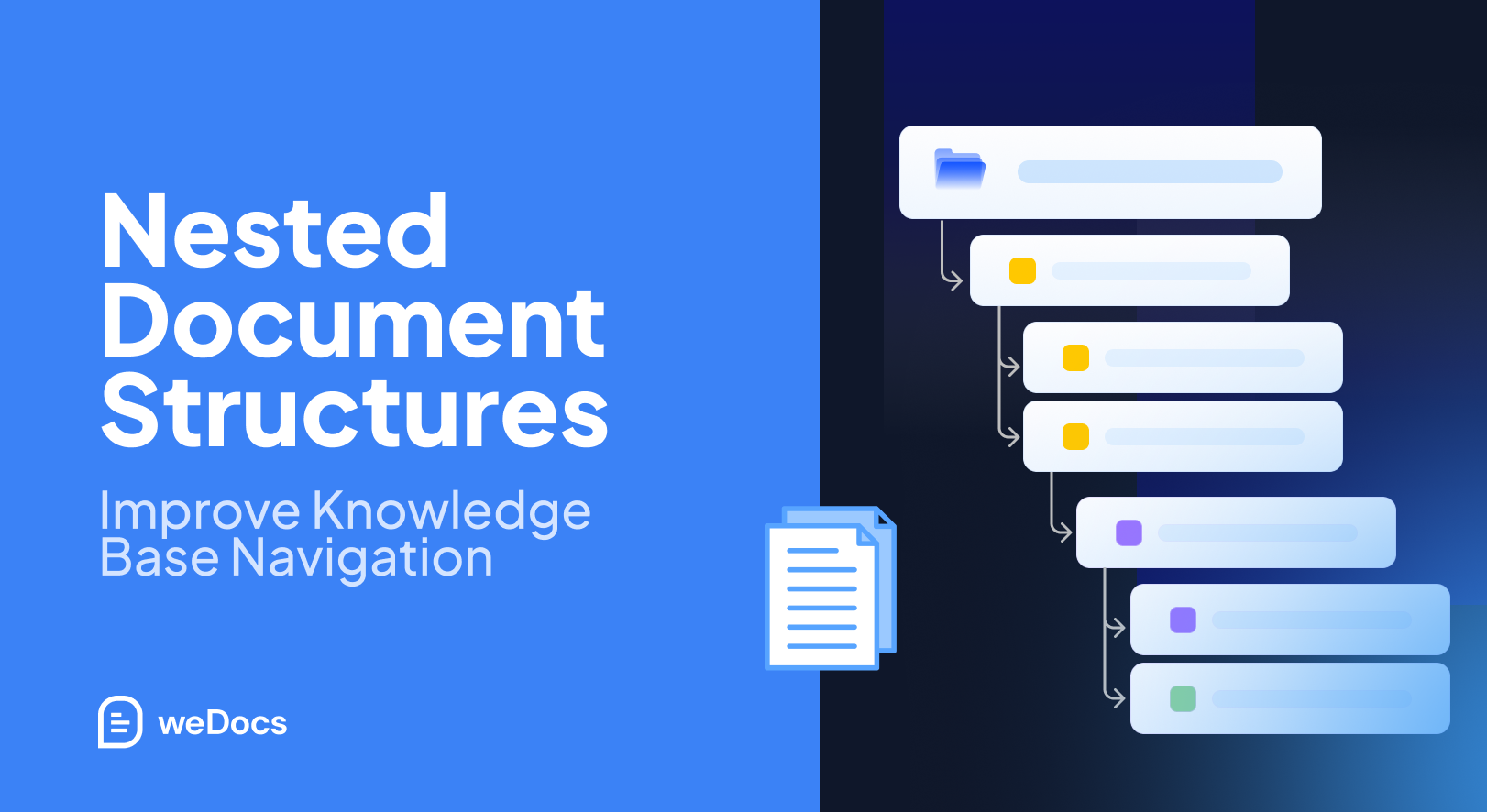
Knowledge Base
├── Getting Started
├── Troubleshooting
├── Product Guides
├── API Documentation
├── FAQs
└── Release Notes
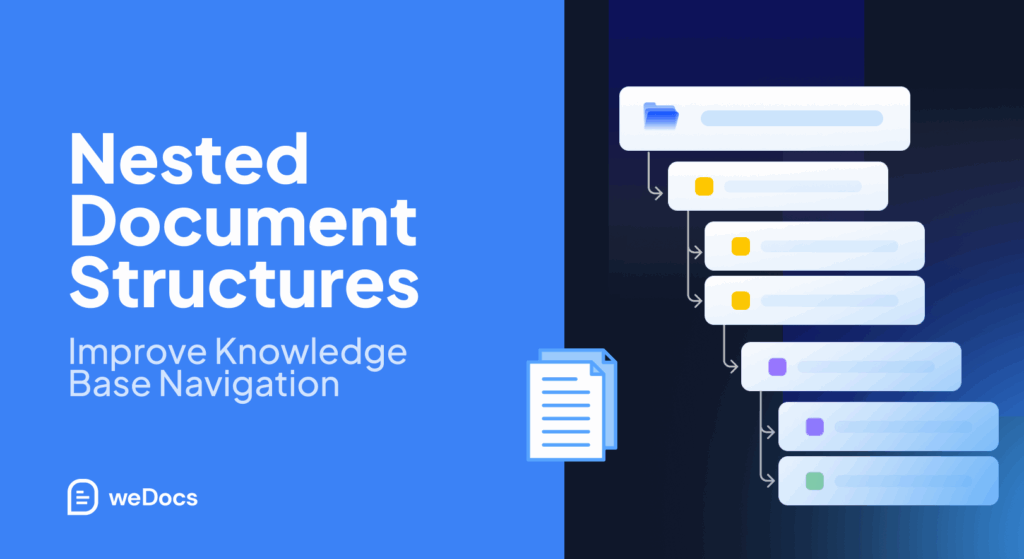
Each top-level section becomes a parent doc. Subtopics and individual articles sit underneath as children. That hierarchy gives users a clear map and gives your team a clear structure to audit against.
Audit Documentation Structure Easily
Because weDocs organizes content in a nested structure, it is straightforward to review your categories during an audit. You can see at a glance what exists, what is buried too deep, where duplicate topics are sitting side by side, and which sections have not been touched in months.
Improve Search Experience
weDocs includes built-in search that works across your entire documentation structure. During an audit, clean up your article titles and descriptions and watch your search success rate improve. Consistent naming and logical structure are the two biggest drivers of better search results.
Track Documentation Quality
Set up review cycles inside your documentation workflow. Assign owners to sections. Schedule quarterly reviews. When every article has a named owner and a review date, your knowledge base stays current without requiring a full audit every time something changes.
Use Analytics to Find Gaps
Track which articles get the most traffic and which ones users search for but cannot find. Combine that data with your support ticket keywords and you have a clear list of what to write next. Missing documentation is not a mystery when you have the right data.
Keep Your Knowledge Base Audit-Friendly
A few habits make every future audit faster. Use consistent naming across all articles. Keep categories structured around user goals, not internal team names. Update docs as part of every product release, not after. Link related articles together so users and auditors can follow the thread. These are small commitments that compound into a knowledge base that stays healthy over time.
Look at Where Knowledge Base Audits are Heading
The tools and expectations around knowledge base management are shifting fast. Here is what is coming.
AI-Powered Knowledge Audits
AI tools will soon be able to scan your entire knowledge base, flag outdated content, identify gaps, and suggest improvements automatically. Some platforms are already experimenting with this. Teams that keep their documentation clean now will get far more value from these tools when they arrive.
Search Intent Analysis
Future audit tools will not just track what users search for. They will analyze the intent behind those searches and match it against your content to surface gaps that keyword tracking alone cannot catch.
AI Readiness for Documentation
As more users turn to AI assistants to answer product questions, the quality of your documentation directly affects the quality of those AI answers. Knowledge bases that are accurate, well-structured, and current will produce better AI responses. Poorly maintained ones will produce confidently wrong ones.
Automated Content Health Monitoring
Instead of waiting for a scheduled audit, documentation platforms will monitor content health in real time. Stale articles, broken links, and declining engagement will trigger automatic alerts. The audit will shift from a periodic event to a continuous background process.
Smart Content Recommendations
Future knowledge base tools will analyze user behavior and recommend content updates proactively. Rather than your team deciding what to write next, the system will surface gaps based on what users are looking for and not finding.
Final Thoughts
A knowledge base is never finished. That is not a flaw. It is just the nature of living documentation.
The teams with the best knowledge bases are not the ones who wrote the most articles. They are the ones who audit regularly, fix what breaks, fill what is missing, and treat documentation as a product that needs ongoing care.
A solid audit improves customer experience, cuts support costs, speeds up onboarding, and builds trust in your product. That is a lot of return for the effort of going through what you already have and making it better.
If you want an easier way to organize, maintain, and audit your documentation inside WordPress, weDocs gives you the structured, searchable foundation to keep everything in order. You do not need a large team or a complex tool. You need a clear structure, good habits, and a commitment to keeping your knowledge base as useful as the product it supports.
Subscribe to
weDocs blog
We send weekly newsletters,
no spam for sure!