



How to Create a Self-Service Help Center Without Any Technical Knowledge

How to Create a Self Service Help Center

Most customers don’t want to talk to support. They want answers. Fast. A self-service help center gives users the freedom to solve problems on their own, without waiting for replies or opening tickets. When done right, it reduces support load, improves customer experience, and scales with your product. In this guide, we’ll walk through how … Read more

How to Use the Floating Contact Form/Assistant Widget Feature in weDocs

Use the Floating Contact Form Feature

Most users don’t read documentation from top to bottom. They scan. They search. Then they leave. Studies show that over 60% of users abandon a help page if they don’t find a relevant answer within the first few seconds. Another common pattern is even more telling. Users often leave documentation to search on Google or … Read more

Best Prompts for Creating Documentation with AI Doc Writer

Best Prompts for Creating Documentation with AI Doc Writer

Writing good documentation takes time and attention. It also requires regular updates as products change and new features are added. Many teams struggle to keep their documentation accurate and up to date. Screens change, workflows evolve, and older instructions quickly become outdated. AI doc writers help solve this problem. They make it easier to create … Read more

weDocs Year in Review 2025: Product Updates, Growth, and What’s Next

WeDevs Year In Review

2025 Was a Defining Year for weDocs. It was not about flashy changes for weDocs. It was about making documentation easier to create, easier to manage, and easier to trust. Throughout the year, the focus stayed on stability, usability, and features that actually help teams publish and maintain better documentation. Every update, design tweak, and … Read more

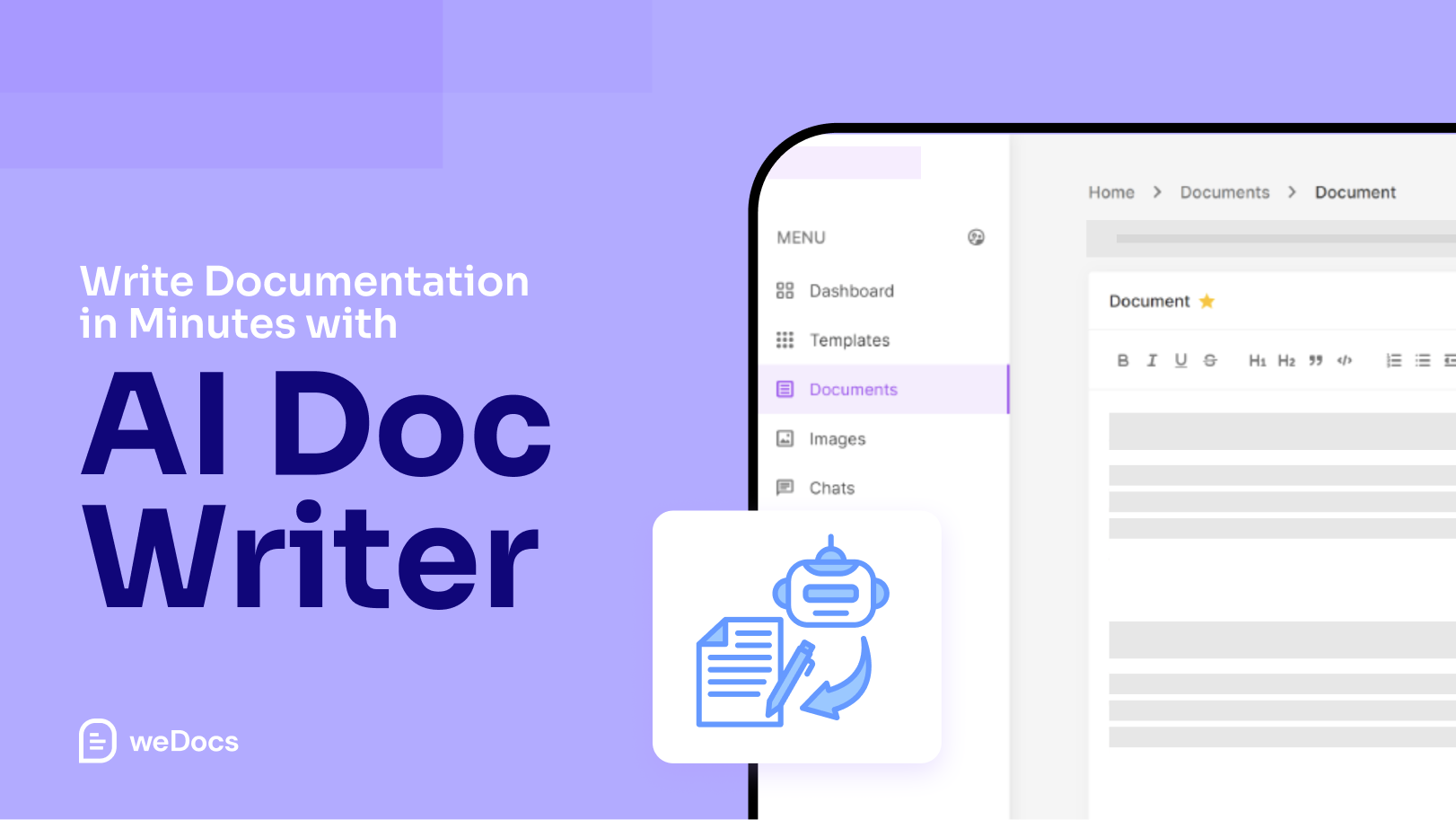
Write Documentation in Minutes: How weDocs AI Doc Writer Works?

Write Documentation in Minutes with weDocs AI Doc Write

Most teams know the struggle of writing documentation. You open a blank page. You type a few lines. Then you rewrite them again and again. Hours pass. The doc still feels unfinished. That’s the moment many of us wish the writing could start itself. That’s exactly why weDocs AI Doc Writer feels refreshing. You give … Read more

New Features of weDocs: Docs Duplicator, AI Doc Writer, Social Sharing Options & More

New Features of weDocs

weDocs has been growing fast. Many users asked for easier ways to manage large documentation, copy content quickly, improve visibility, and write faster. So we focused on building features that remove friction and help you work smarter. In the latest releases, weDocs introduced several powerful additions that make documentation simpler and more efficient. From generating … Read more

Knowledge Base Design Tips to Match the Holiday Season

Knowledge Base Design Tips to Match the Holiday Season

The holiday season brings a flood of customer questions. People want quick answers about shipping timelines, gift returns, order updates, and last-minute changes. A clean and welcoming knowledge base helps reduce this pressure. It also gives customers the confidence that they can find what they need without waiting for support. A small seasonal refresh can … Read more

How to Switch Back to Classic / Modern UI in weDocs

Modern UI in weDocs

weDocs just got even better with two interface options, Classic UI and Modern UI.Both layouts are designed to help you manage your documentation more efficiently, but each serves different needs. The Modern UI offers a fresh, sleek design with improved navigation and readability. Meanwhile, the Classic UI keeps the familiar, minimal layout that many long-time … Read more