

Evernote used to be the answer. Then in November 2025 its new owner cut the free plan to 50 notes, one notebook and two devices, and pushed paid plans to $99 and $249.99 a year.
Millions of people went looking for somewhere else to put their notes, and walked into a category that had quietly become excellent while they were not paying attention. Local-first apps you own outright. AI tools that write your meeting notes for you. Free tiers with no note limit at all.
This guide covers 15 of the best note taking apps available now, what each one is good for, and what they cost in 2026. Every tool below gets the same treatment, so you can compare them properly rather than guessing from a paragraph.
TLDR
- Notion is the best all-round pick for teams, and free for individuals.
- Obsidian is the best choice if you want to own your notes as files.
- Microsoft OneNote is the best free notebook with no cap on how much you write.
- Apple Notes and Google Keep are the fastest free options on their own platforms.
- Joplin is the best open source option and the easiest move from Evernote.
- Granola and NotebookLM are the AI tools worth your time, and both are free to start.
- Evernote in 2026 is only worth it if web clipping is central to how you work.
The Best Note Taking Apps at a Glance
| App | Good for | Free plan | Paid from |
|---|---|---|---|
| Notion | Teams and structured workspaces | Unlimited pages for solo users | $12 per user a month |
| Obsidian | Local files and linked knowledge | Full app, personal use | Sync from $4 a month |
| Microsoft OneNote | A free notebook with no note cap | Yes, limited by 5GB OneDrive | Microsoft 365 from $6.99 a month |
| Apple Notes | Zero setup on Apple devices | Yes, fully | Free |
| Google Keep | Quick capture and reminders | Yes, fully | Free |
| Joplin | Open source and self-hosting | Yes, sync it yourself | Hosted sync $2.99 a month |
| Standard Notes | Encrypted private notes | Yes, core app | Paid tiers for editors |
| Capacities | Structure without the setup | Generous | Paid tiers available |
| Granola | Meeting notes without a bot | 25-meeting trial | Subscription after trial |
| NotebookLM | Research across your own sources | Yes | Free |
| Mem | Notes that file themselves | 25 notes a month | $12 to $15 a month |
| Evernote | Web clipping and document capture | 50 notes, 1 notebook, 2 devices | $99 a year |
| Goodnotes | Handwriting on iPad | Limited | $11.99 a year |
| Bear | Writing that feels good | Limited | $3 a month |
| UpNote | A cheap Evernote replacement | Limited | $1.99 a month or $39.99 once |
What Changed in 2026
Three shifts explain why the advice you read two years ago no longer applies.
Evernote stopped being the default. The 2025 overhaul left the free plan at 50 notes, one notebook and two devices, with storage caps added and paid plans at $99 and $249.99 a year. It is still capable software, but it is no longer the automatic recommendation.
Local-first went mainstream. Obsidian and Joplin store notes as plain files on your own machine, which means no note cap, no vendor lock-in, and nothing to lose if a pricing page changes overnight. That used to be a niche preference. After 2025 it became a reasonable default.
AI moved up the price list. Notion AI now sits in the Business tier rather than being sold as a cheap add-on, and Goodnotes charges $9.99 a month for its AI features. Meanwhile the two best AI note takers, Granola and NotebookLM, are separate tools rather than features inside your notes app.
One thing has not changed. A notes app is built for one reader, which is you. The moment a second person needs the answer, you are looking at a different job, and our breakdown of the types of product documentation covers what that job actually involves.
The 15 Best Note Taking Apps in 2026
Each tool below is covered the same way. What it is good for, what it does, its features, the pros and cons, and what it costs.
1. Notion
Good for. Teams that want notes, wikis, and project boards in one place
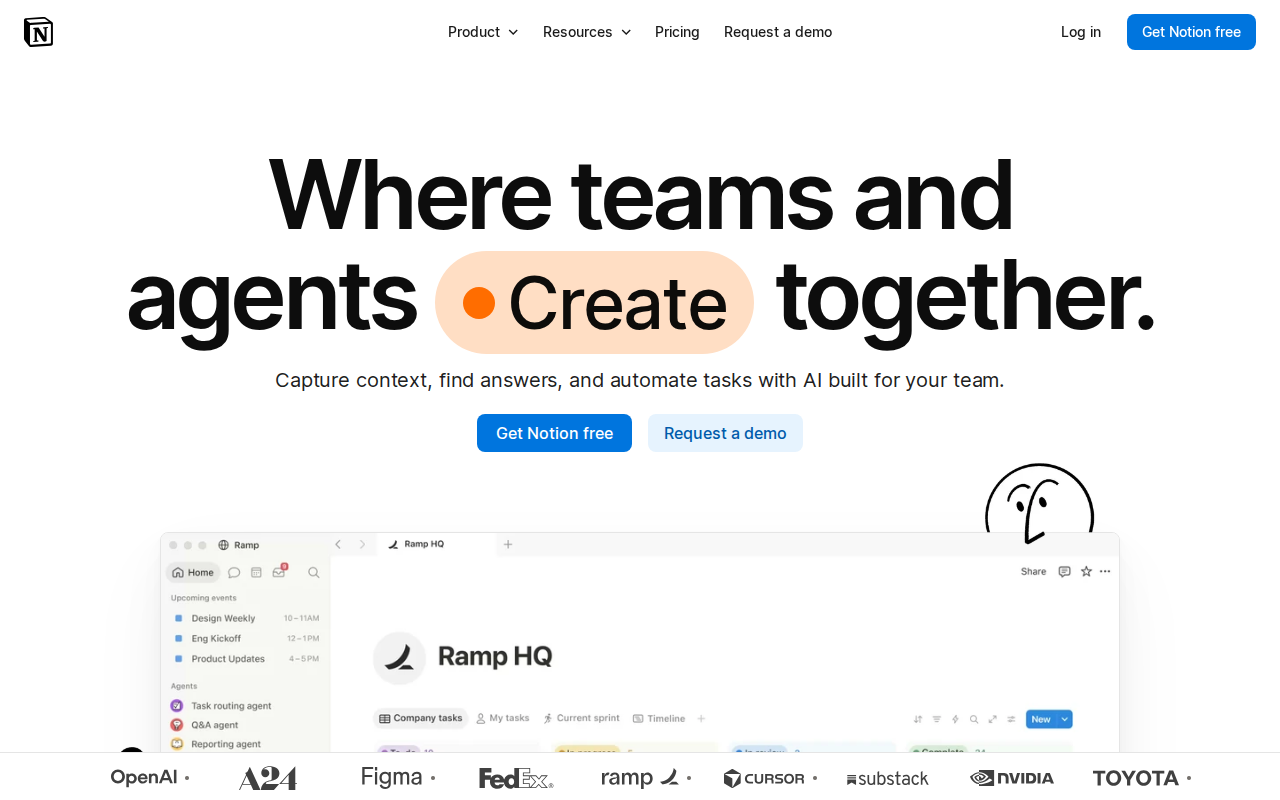
Notion is a workspace rather than a notebook. Notes sit alongside databases, wikis, and project boards, all built from the same blocks, so a meeting note can link to a project, a task, and a person without leaving the page. That flexibility is why it has become the default for teams, and also why it takes longer to set up than a simple notes app.
Key features
- Pages built from blocks you can rearrange freely
- Databases with table, board, calendar, and gallery views
- Team wikis with permissions per page
- Notion AI for drafting, summarising, and answering questions about your workspace
- Templates for almost any use case, plus a large community library
- Web clipper, and importers for Evernote and other apps
- Real-time collaboration with comments and mentions
Pros
- Free plan is permanently free for individuals with unlimited pages and blocks
- One tool replaces a notes app, a wiki, and a light project manager
- Strongest collaboration on this list
- Enormous template ecosystem
Cons
- Offline mode is selective rather than complete
- Export options are limited compared with plain-file apps
- Notion AI now sits in the Business tier rather than as a cheap add-on
- Takes real setup before it becomes useful
Pricing. Free for individuals. Plus from $12 per user a month. AI bundled with Business.
2. Obsidian
Good for. Anyone who wants to own their notes as files, forever
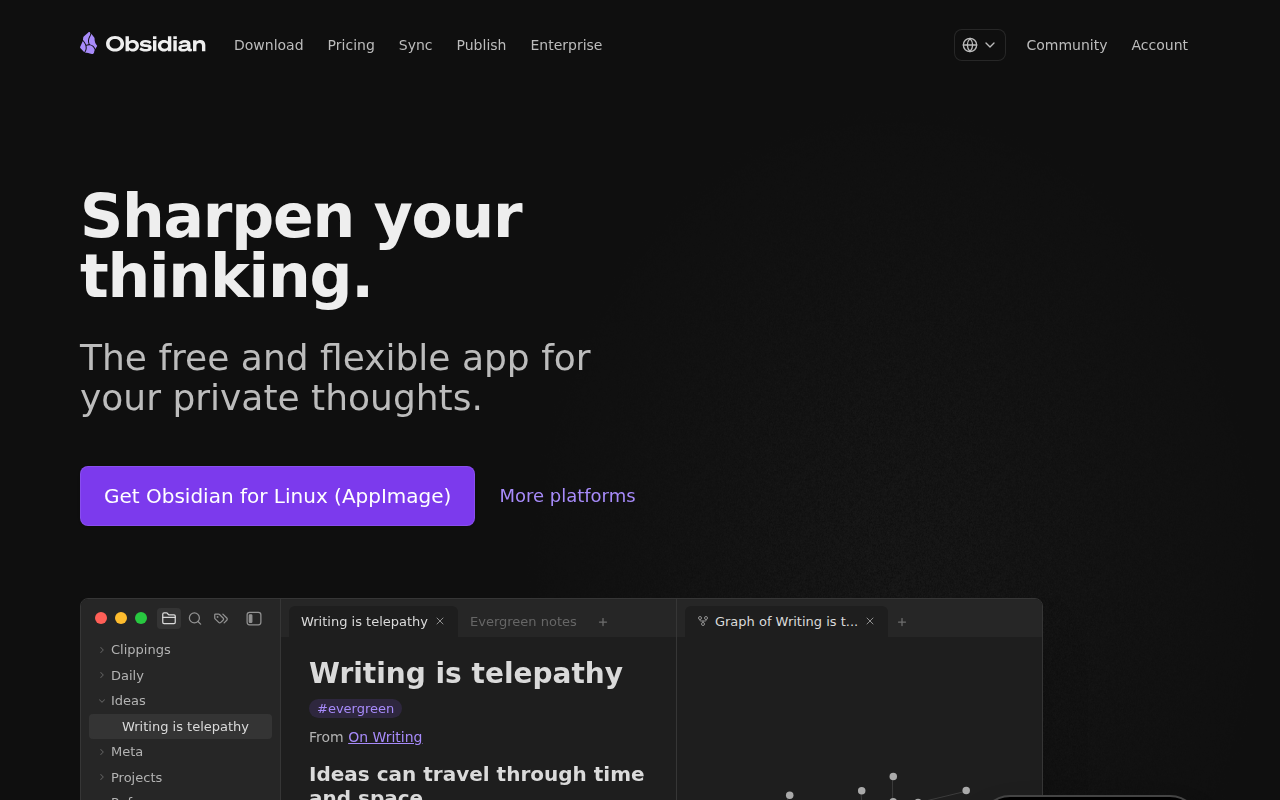
Obsidian stores every note as a plain Markdown file on your own machine. There is no company database holding your writing, which means no note cap, no lock-in, and nothing to lose if a pricing page changes. Its second idea is linking, where notes connect to each other and build a graph of your own thinking over time.
Key features
- Plain Markdown files stored locally
- Bidirectional links and a visual graph of connections
- Large community plugin ecosystem
- Canvas for arranging notes visually
- Works offline by default
- Optional end-to-end encrypted Sync and Publish
Pros
- Your notes are files you own outright
- No note limit and no storage tier to outgrow
- Free for personal use
- Fast, even with tens of thousands of notes
Cons
- Syncing across devices costs extra unless you set it up yourself
- Not open source, despite the local files
- Steeper learning curve than a simple notes app
- Collaboration is weak compared with Notion
Pricing. Free for personal use. Sync from around $4 a month. Publish sold separately.
3. Microsoft OneNote
Good for. A free notebook with no limit on how much you write
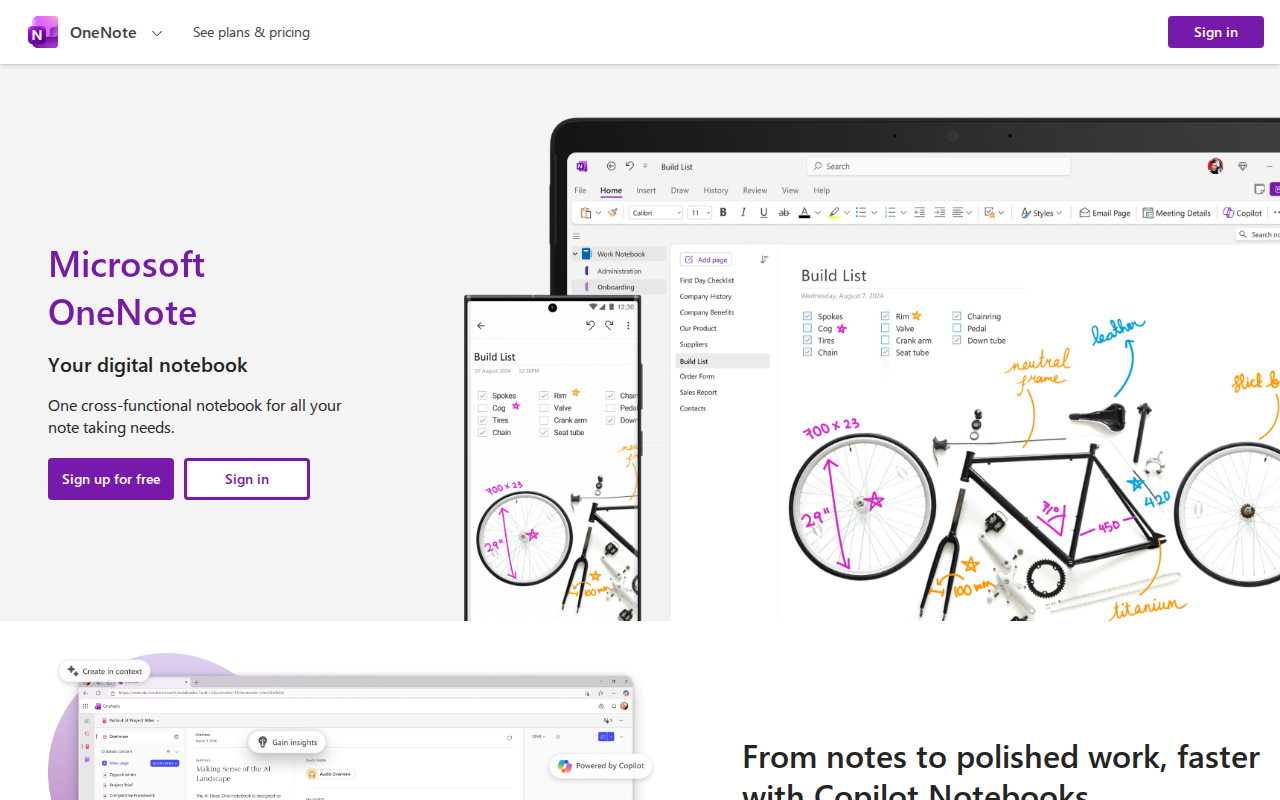
OneNote is a free-form canvas rather than a list of documents. You can type anywhere on the page, draw around it, drop in an image, and write with a stylus in the margin. It is the closest digital equivalent to a paper notebook, and it is free with any Microsoft account.
Key features
- Free-form canvas with no fixed layout
- Notebooks, sections, and pages that mirror a physical binder
- Strong handwriting and stylus support
- Audio recording tied to your notes
- Shared notebooks for teams
- Available on Windows, Mac, iOS, Android, and the web
Pros
- No cap on the number of notes
- Genuinely free with a Microsoft account
- Best handwriting support of any free app here
- Works well for students and lecture notes
Cons
- Limited by 5GB of free OneDrive storage
- Search is weaker than most rivals
- Free-form layout can become messy without discipline
- The interface differs noticeably between platforms
Pricing. Free with a Microsoft account. More storage through Microsoft 365 from $6.99 a month.
If OneNote nearly works for you but something about it does not, our roundup of the top Microsoft OneNote alternatives goes deeper on the closest replacements.
4. Apple Notes
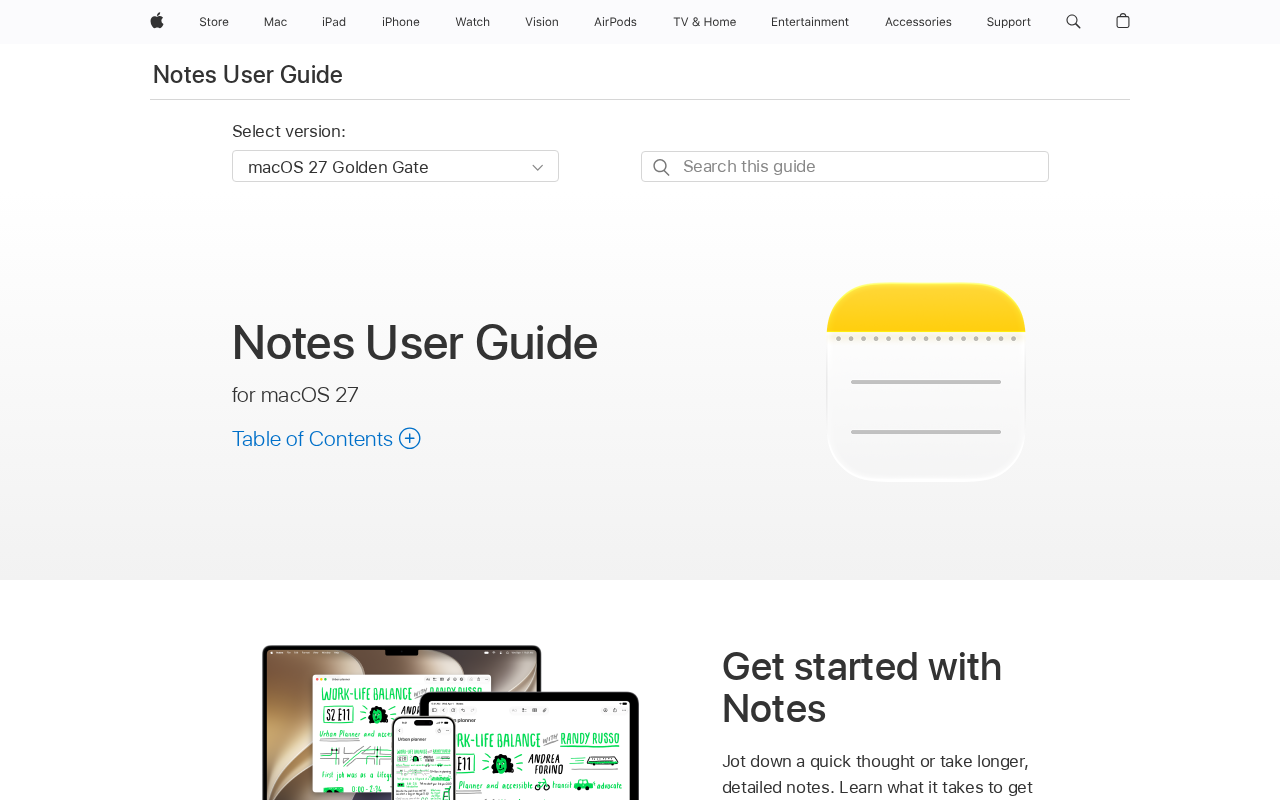
Good for. Apple users who want to start writing in ten seconds
Apple Notes is already on every iPhone, iPad, and Mac, and it has quietly become good. Folders, tags, shared notes, scanning, handwriting, and search that actually finds things. For anyone inside the Apple ecosystem, it is the option with zero setup and zero cost.
Key features
- Folders, subfolders, and tags
- Apple Pencil handwriting with searchable text
- Document scanning with the camera
- Shared notes and collaboration
- Quick Note from any app
- iCloud sync across all Apple devices
Pros
- Free and already installed
- No setup whatsoever
- Excellent Apple Pencil support
- Syncs instantly across Apple devices
Cons
- Apple devices only
- Weak export options
- No web version worth using outside iCloud.com
- Limited structure for large note collections
Pricing. Free.
5. Google Keep
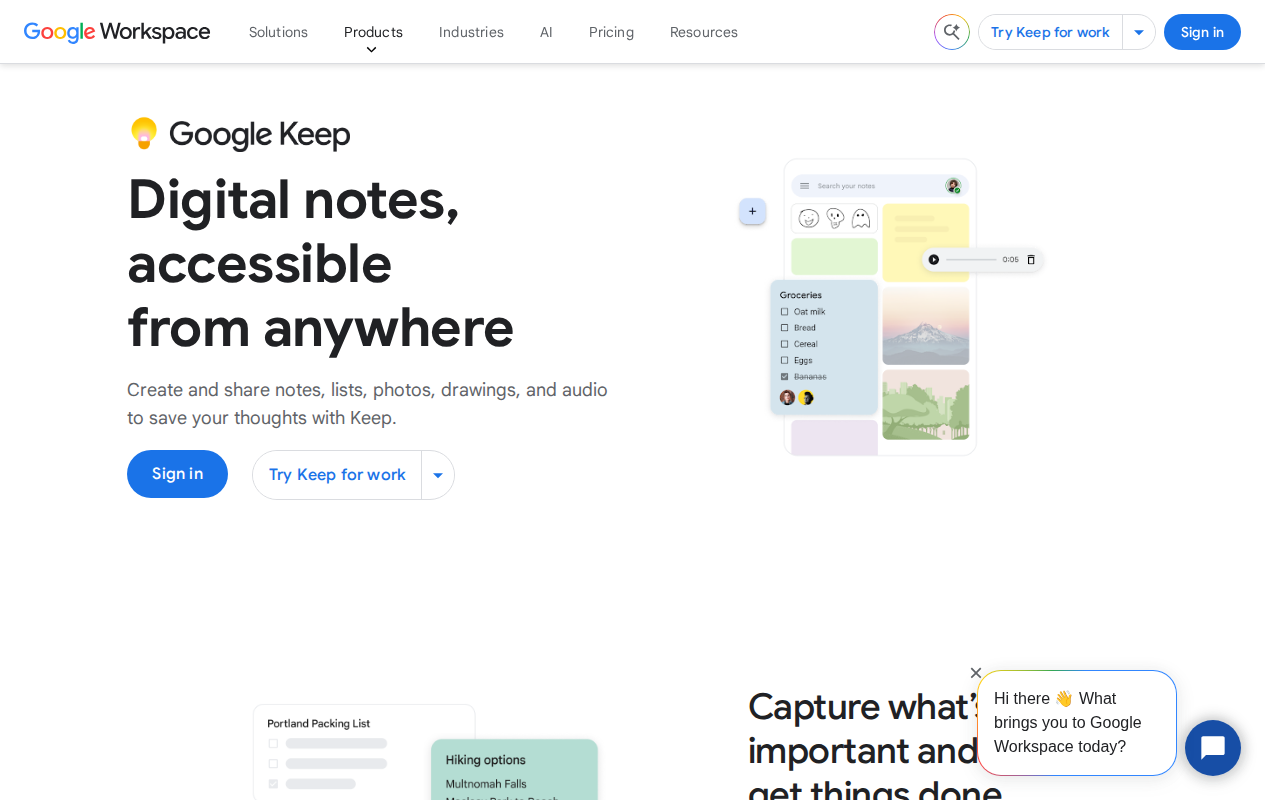
Good for. Fast capture on Android, and lists you actually finish
Keep is the fastest way to get a thought out of your head. Notes look like sticky notes, you can colour code them, set a reminder tied to a time or a place, and find them again in a search. It does not try to be a knowledge base, which is exactly why it works.
Key features
- Sticky-note interface with colour coding
- Checklists with reminders
- Location-based and time-based reminders
- Voice notes with automatic transcription
- Image notes with text recognition
- Integrates with Google Docs and Calendar
Pros
- Free with a Google account
- Fastest capture of anything on this list
- Reminders are genuinely useful
- Syncs everywhere instantly
Cons
- No folders or real hierarchy
- Poor for long-form writing
- Search struggles once you have hundreds of notes
- Formatting options are minimal
Pricing. Free.
Those five cover most people. The rest below suit specific needs, from encryption to handwriting to meetings. If what you are really building is a reference other people will read, our tips for writing clear documentation apply whichever tool you pick.
6. Joplin
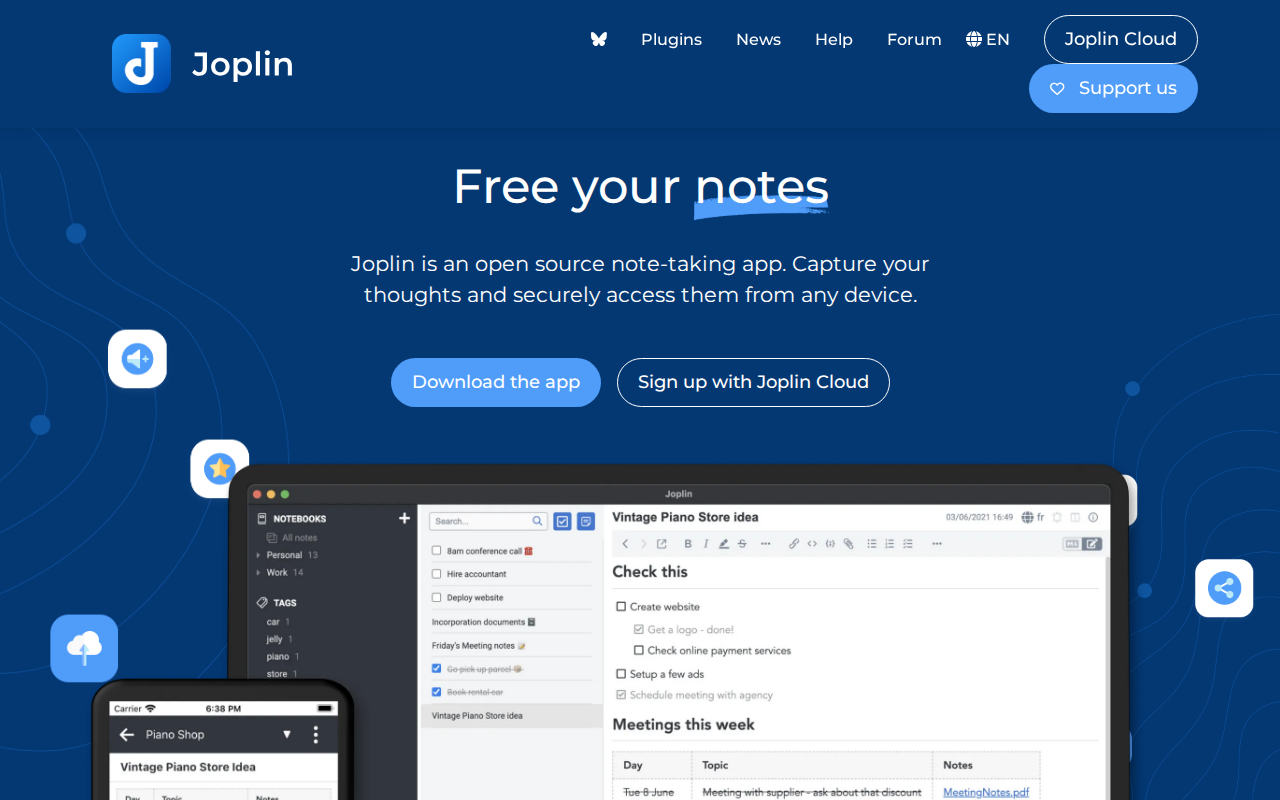
Good for. Open source notes with encryption and self-hosting
Joplin is the open source answer. Notes are Markdown, sync runs through whichever cloud you already use or a server you run yourself, and everything can be encrypted end to end. It also imports Evernote ENEX files directly, which makes it the easiest landing spot for anyone leaving.
Key features
- Fully open source
- End-to-end encryption
- Sync through Dropbox, OneDrive, Nextcloud, WebDAV, or self-hosted
- Direct Evernote ENEX import
- Markdown with a rich text option
- Web clipper and plugin support
Pros
- Open source and self-hostable
- Strongest privacy option here
- Free unless you want hosted sync
- Closest match for Evernote refugees
Cons
- Interface is plainer than commercial rivals
- Sync setup takes more effort
- Mobile apps lag behind desktop
- Smaller plugin ecosystem than Obsidian
Pricing. Free. Joplin Cloud sync from $2.99 a month. Self-hosting is free.
7. Standard Notes
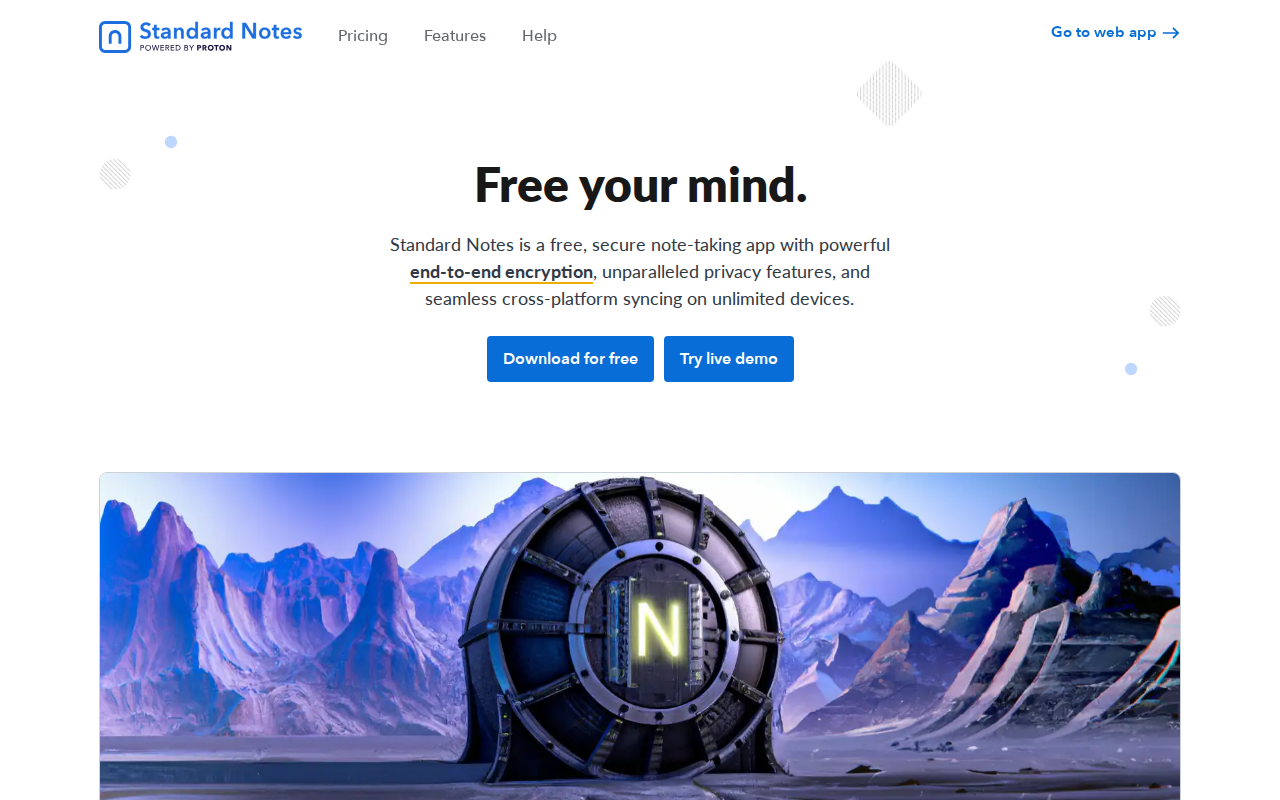
Good for. Private notes where encryption is the default, not a setting
Standard Notes encrypts everything before it leaves your device, including note titles. The free tier is deliberately plain, a simple encrypted notepad that syncs, with editors, themes, and file storage sitting behind the paid tier.
Key features
- End-to-end encryption on by default
- Open source clients
- Cross-platform sync
- Optional rich text, Markdown, code, and spreadsheet editors
- Note history and version recovery
- Self-hosting supported
Pros
- Privacy is the default rather than an option
- Free tier is genuinely usable
- Open source
- Long track record on security
Cons
- Free tier is plain text only
- Editors and themes need a subscription
- No handwriting support
- Fewer organisational features than rivals
Pricing. Free core app. Paid tiers unlock editors, themes, and file storage.
8. Capacities
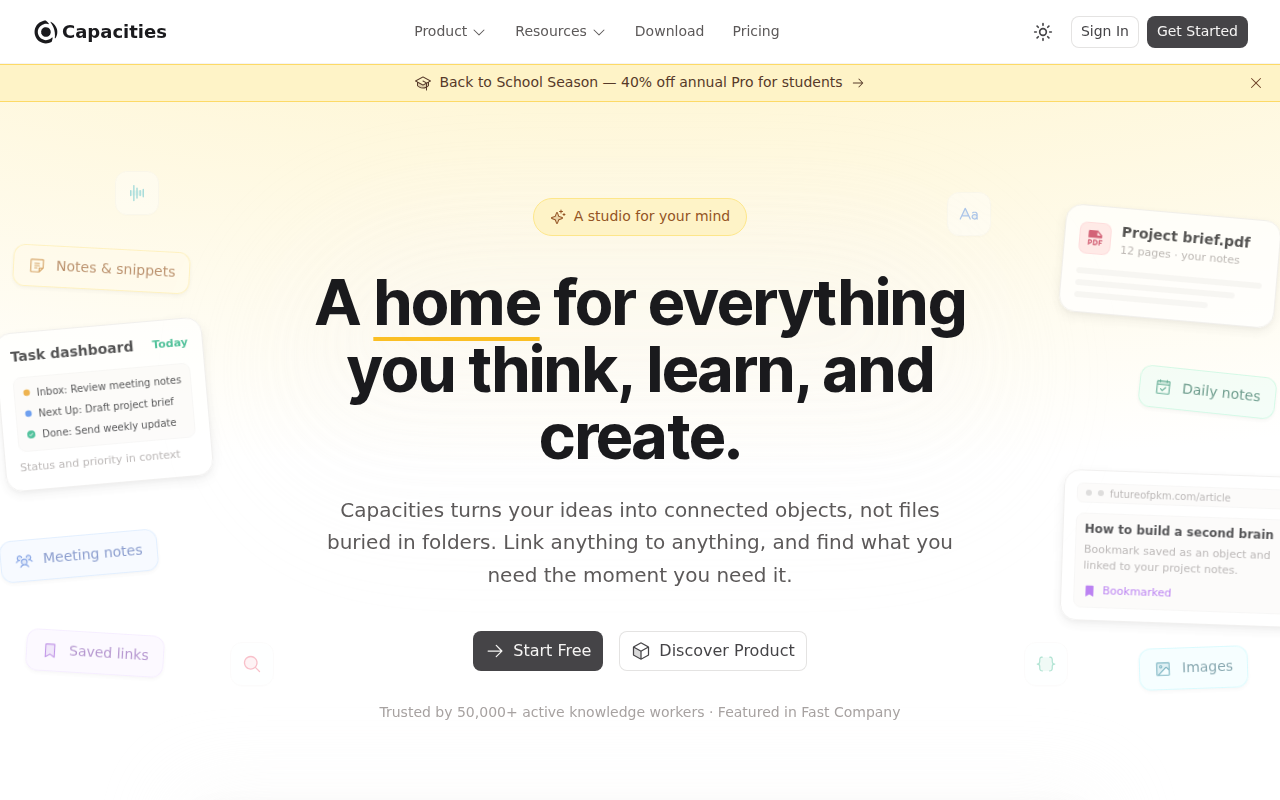
Good for. Structure without building the structure yourself
Capacities organises notes by object type rather than by folder. A book, a person, a meeting, and an idea each behave differently and link to each other automatically. It gives you most of the benefit of a carefully built Notion workspace without the afternoon spent building it.
Key features
- Object-based organisation rather than folders
- Automatic backlinks between objects
- Daily notes for quick capture
- Tags and collections
- Web and desktop apps
- Generous free tier
Pros
- Structure arrives without setup
- Free tier is genuinely useful
- Good middle ground between Obsidian and Notion
- Clean, modern interface
Cons
- Younger product with a smaller community
- Fewer integrations than older rivals
- Object model takes getting used to
- Offline support is limited
Pricing. Free tier available. Paid plans for advanced features.
9. Granola
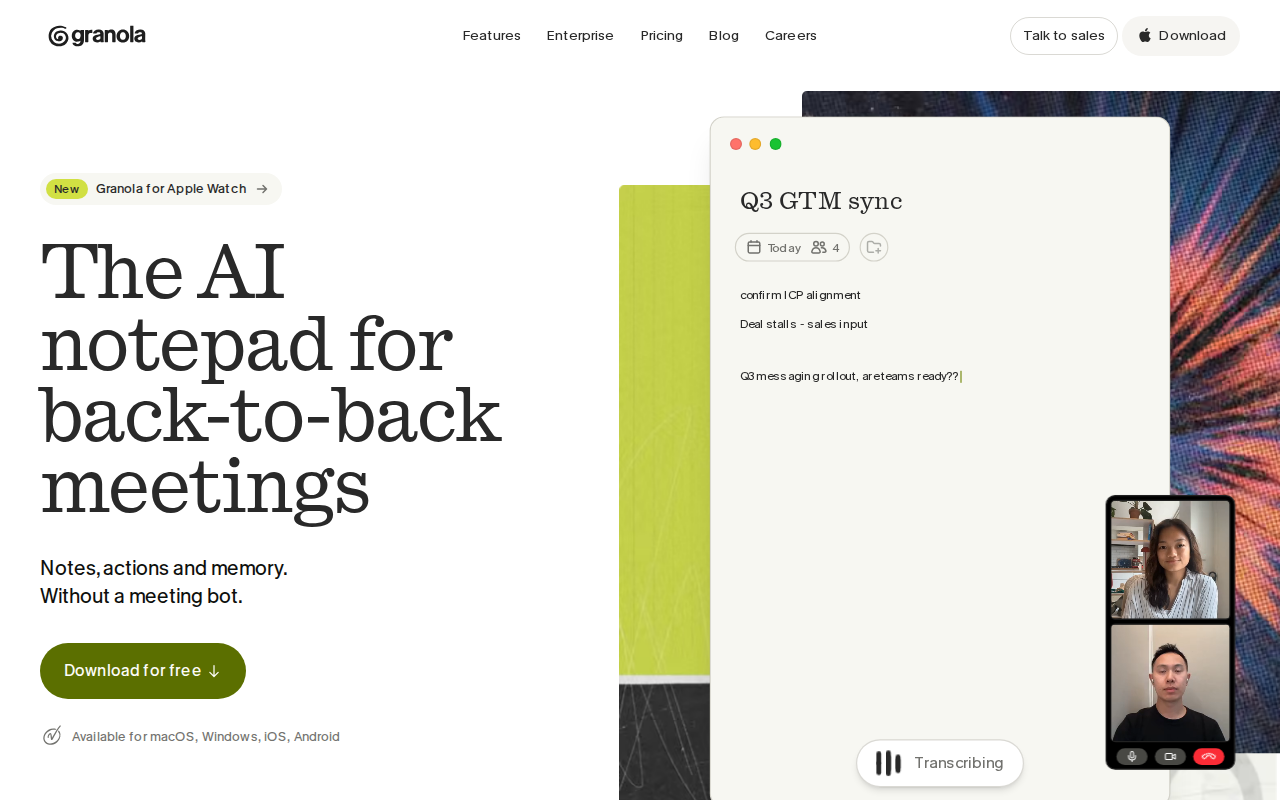
Good for. Meeting notes without a bot joining the call
Granola listens to your meetings and merges what was said with the notes you typed yourself. No bot appears in the participant list, which removes the awkwardness that kept most AI note-takers out of client calls. You end up with a clean write-up rather than a raw transcript.
Key features
- Transcribes meetings without joining as a participant
- Merges your typed notes with the transcript
- Automatic summaries and action items
- Works across video conferencing tools
- Searchable meeting archive
- Templates for different meeting types
Pros
- No bot in the room
- Output reads like notes, not a transcript
- Free trial covers 25 meetings
- Fast and unobtrusive
Cons
- Subscription after the trial
- Meetings only, not general note-taking
- Currently Mac-first
- Requires trusting a third party with call audio
Pricing. 25-meeting free trial, then a subscription.
10. NotebookLM
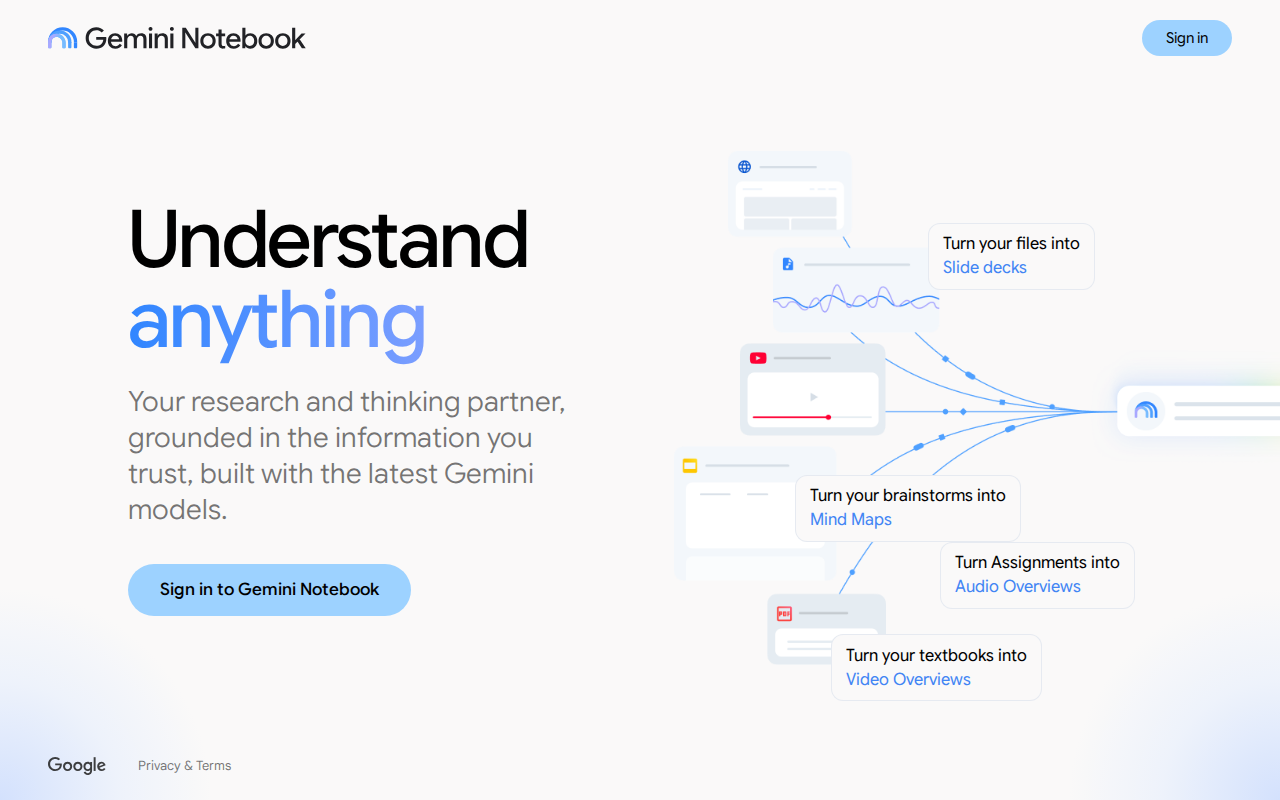
Good for. Research grounded in your own documents
NotebookLM answers questions using only the sources you give it, your PDFs, documents, and YouTube links, rather than the open web. That constraint is the point, because answers come with citations back to your material. Its Audio Overviews turn dense sources into a conversation you can listen to.
Key features
- Answers grounded only in your uploaded sources
- Citations linking back to the original passage
- Audio Overviews that summarise sources as a spoken conversation
- Supports PDFs, Google Docs, web pages, and YouTube
- Automatic summaries, timelines, and briefing docs
- Free to use
Pros
- Free
- Answers stay tied to your own sources
- Audio Overviews are genuinely useful for dense material
- Excellent for study and research
Cons
- Not a general note-taking app
- Requires a Google account
- Limited editing of your own notes
- Source limits per notebook
Pricing. Free.
11. Mem
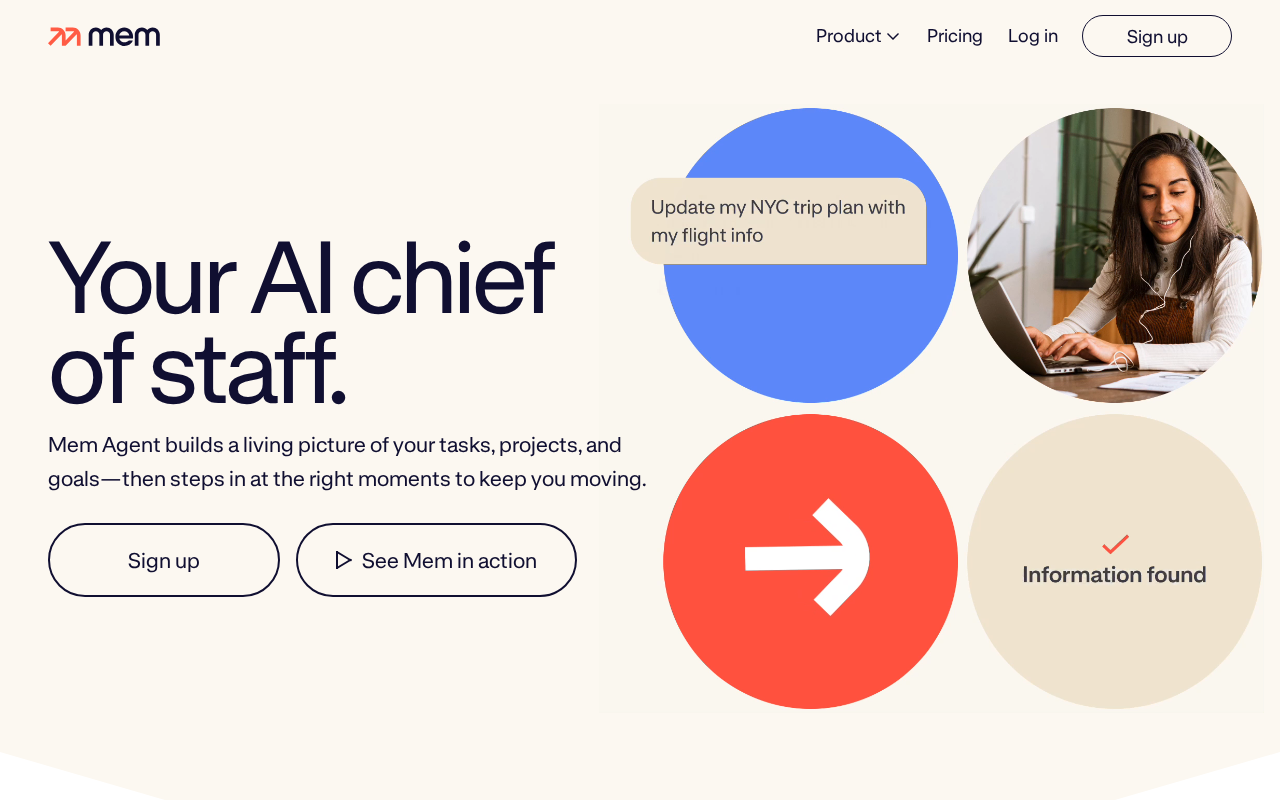
Good for. Notes that file themselves
Mem removes the filing. You write, and it links and surfaces related notes automatically, replacing folders with AI search. If you like the idea of a connected knowledge base but never maintain the links, it is the opposite trade-off to Obsidian.
Key features
- Automatic linking between related notes
- AI search across everything you have written
- Daily notes and quick capture
- Smart write assistance
- Calendar and email integrations
- Shared notes for teams
Pros
- No manual filing required
- Strong AI search
- Good for people who write more than they organise
- Low ceremony to get started
Cons
- Free tier caps at 25 notes a month
- Web-first, with no native Windows or Linux app
- Offline support is weak
- Costs scale quickly across a team
Pricing. Free tier at 25 notes a month. Paid from around $12 to $15 a month.
12. Evernote
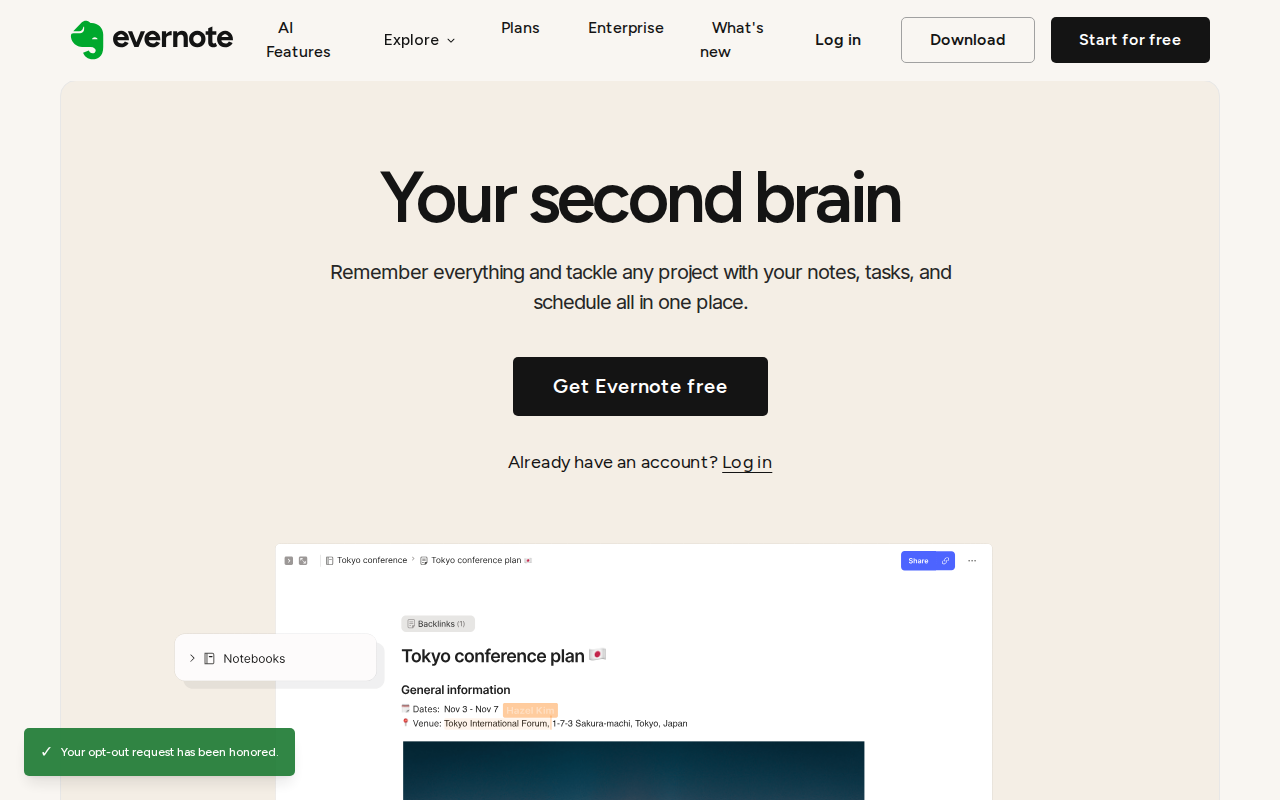
Good for. Web clipping and document capture, if you accept the new pricing
Evernote defined this category and still does two things better than most rivals, clipping web pages and capturing documents into a searchable archive. What changed is the deal. A 2025 overhaul cut the free plan sharply and raised paid pricing, which moved it from default choice to specialist tool.
Key features
- Web clipper that captures full pages, articles, or simplified text
- Document scanning with text recognition inside images and PDFs
- Notebooks, stacks, and tags
- Tasks and calendar integration
- Templates
- Search across handwriting and image text
Pros
- Best web clipper of any app here
- Excellent search across scanned documents
- Mature, stable, and on every platform
- Long track record
Cons
- Free plan limited to 50 notes, one notebook, and two devices
- Paid pricing raised to $99 and $249.99 a year
- Storage caps added
- Hard to justify against free rivals unless clipping is central
Pricing. Free plan at 50 notes. Starter $99 a year. Advanced $249.99 a year.
13. Goodnotes
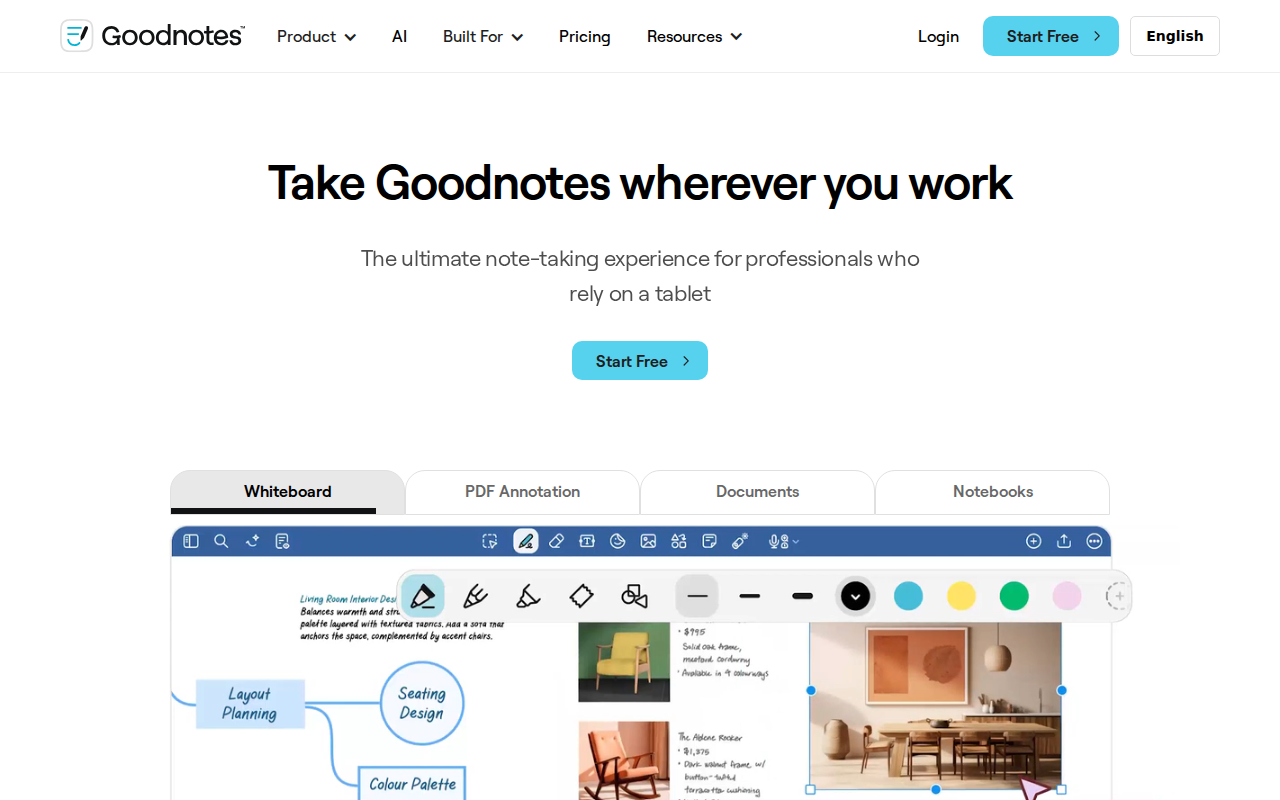
Good for. Handwriting on an iPad
Goodnotes is built around the pen rather than the keyboard. Pages look like paper, you write on them with an Apple Pencil, and your handwriting stays searchable. For students taking lecture notes by hand it remains the usual recommendation.
Key features
- Handwriting with searchable text recognition
- Paper templates including ruled, grid, and planner layouts
- PDF annotation and import
- Shapes that snap into clean lines
- Folders and notebook organisation
- Sync across Apple devices
Pros
- Best handwriting experience on iPad
- Cheap at $11.99 a year
- Handwriting search works well
- Good for annotating PDFs and textbooks
Cons
- AI features cost a separate $9.99 a month
- Apple-focused, with weaker support elsewhere
- Not built for typed long-form writing
- Limited free tier
Pricing. From $11.99 a year. AI features $9.99 a month extra.
14. Bear
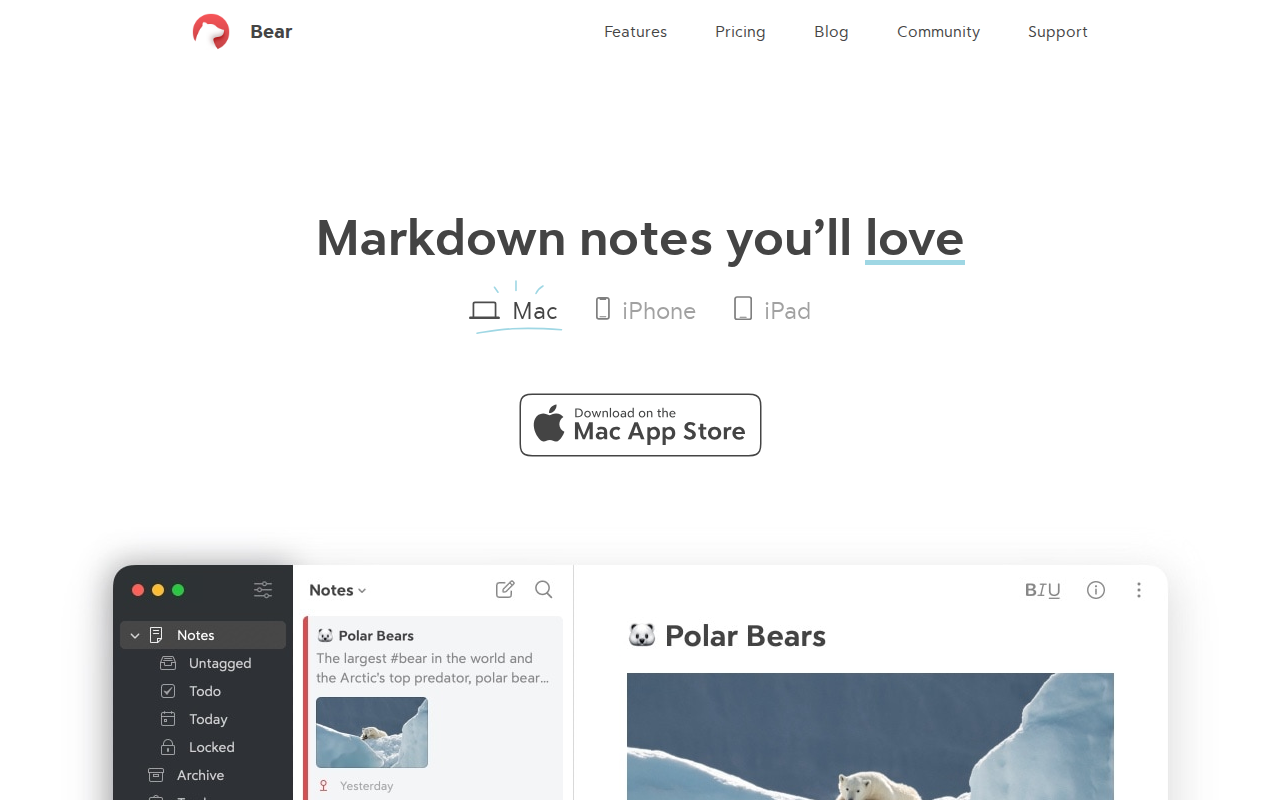
Good for. Writing that feels good on Apple devices
Bear is for people who care how writing feels. Markdown with a clean interface, tags instead of folders, and typography that makes long sessions comfortable. It does less than Notion or Obsidian on purpose.
Key features
- Markdown with live preview
- Nested tags instead of folders
- Themes and typography controls
- Sketching and handwriting
- Encrypted notes
- Export to PDF, Word, HTML, and Markdown
Pros
- Best writing experience of any app here
- Cheap at around $3 a month
- Clean, fast, and pleasant to use
- Good export options
Cons
- Apple devices only, with a web version still in beta
- Sync requires the subscription
- No databases or structured content
- Weak collaboration
Pricing. Limited free tier. Pro around $3 a month.
15. UpNote
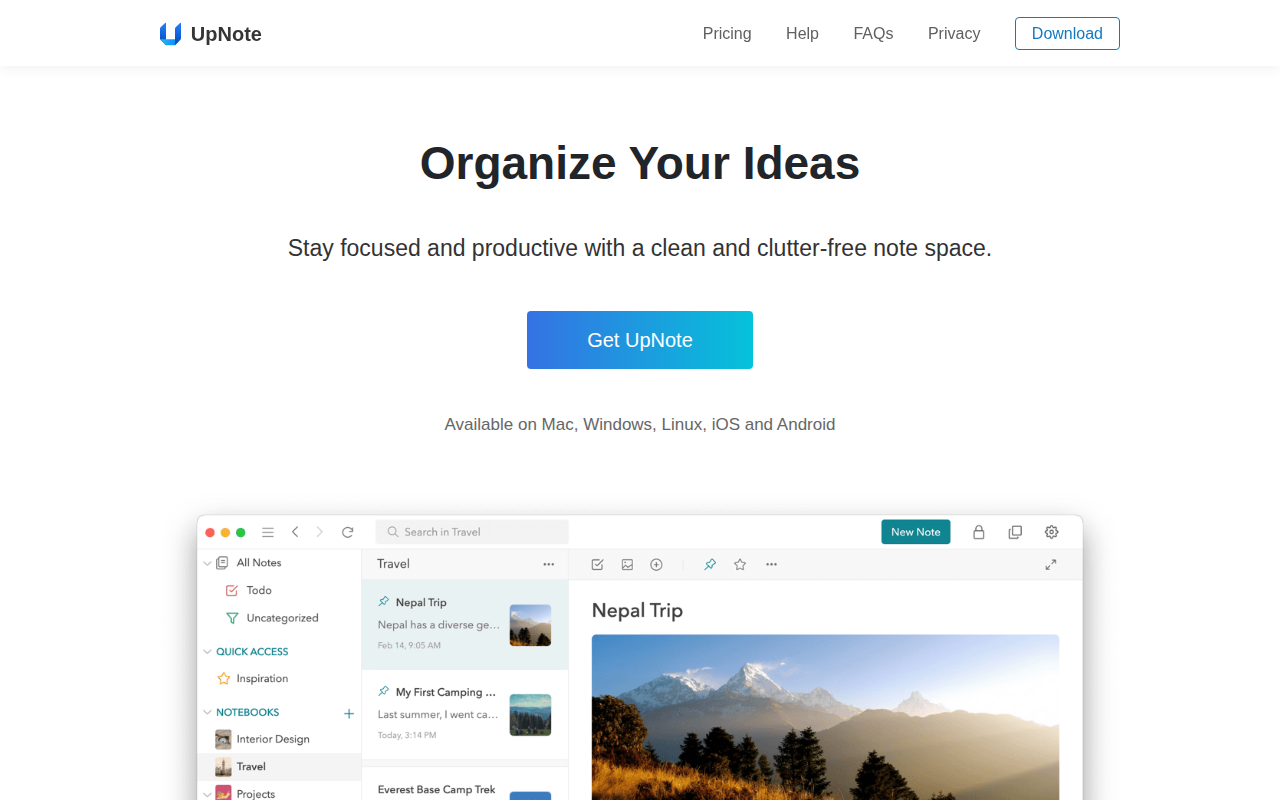
Good for. A cheap Evernote replacement that runs everywhere
UpNote does the Evernote job without the Evernote price. Notebooks, rich text, sync across every platform, and a lifetime licence option that costs less than one year of most rivals.
Key features
- Notebooks and nested organisation
- Rich text and Markdown support
- Available on Windows, Mac, Linux, iOS, Android, and the web
- Templates and quick notes
- Export to PDF, Markdown, and HTML
- Themes and reading mode
Pros
- Cheapest paid option here
- Lifetime licence available at $39.99
- Truly cross-platform
- Familiar if you are coming from Evernote
Cons
- Free plan is limited
- No OCR or image text search
- Smaller community and fewer integrations
- Less powerful than Notion or Obsidian
Pricing. Limited free plan. $1.99 a month, or $39.99 once for lifetime.
How to Choose in Two Minutes
| If you | Pick |
|---|---|
| Use only Apple devices | Apple Notes |
| Use only Android | Google Keep |
| Mix platforms and want structure | Notion |
| Want to own your files forever | Obsidian |
| Want open source and encryption | Joplin |
| Want a free notebook with no note cap | Microsoft OneNote |
| Write by hand on an iPad | Goodnotes or Apple Notes |
| Live in meetings | Granola |
| Study from lots of sources | NotebookLM |
| Are leaving Evernote | Joplin for the closest match, Notion for more power |
If the answer is that several people will read what you write, the shortlist narrows fast, and our guide on building a self-service help center is a better starting point than any app above.
One more question worth asking before you commit. How do you get your notes out again? Apps that store plain files answer that in one sentence. Apps that store notes in a proprietary database usually answer it with an export button and a shrug.
Frequently Asked Questions
Is Evernote still worth using in 2026?
Only for a specific case. Its web clipping and document capture remain genuinely strong, so if that workflow is central to how you work and you accept $99 a year, it holds up. For general note taking, the free plan at 50 notes, one notebook and two devices makes it hard to recommend.
Do I need to pay for note syncing?
Usually not. Notion, Apple Notes, Google Keep and OneNote all sync free. The exceptions are the local-first apps, where syncing is an optional paid service because your notes live on your machine rather than a company’s servers.
What happens to my notes if an app shuts down?
It depends entirely on where they are stored. Plain-file apps like Obsidian and Joplin leave you with Markdown files that open in any text editor. Cloud apps leave you with whatever export they offer, which is why checking the export option matters more than most people think.
Can I use more than one note taking app?
Most people do, and it works better than forcing one tool to do everything. A common split is quick capture on your phone with Apple Notes or Google Keep, and anything that needs to last in Obsidian or Notion.
Which note taking app is best for students?
OneNote or Apple Notes. Both are free, both handle handwriting properly, and OneNote’s free-form canvas suits lecture notes where the structure is not obvious until afterwards. Goodnotes is worth $11.99 a year if you write everything by hand on an iPad.
Can notes replace proper documentation?
Not for long. Notes are written by one person for one person, with all the shorthand that allows. Documentation has to work for someone who was not there, which changes the structure, the tone, and the maintenance. The most common documentation mistakes almost all start as notes that were never rewritten for an audience.
Are AI note taking apps worth the money?
For meetings, often yes, because the time saved is measurable. For general note taking, less so, since the AI is filing notes you could have filed yourself. Start with the free tiers, since Granola and NotebookLM both have them.
When Notes Stop Being Notes
Every app above is built for one thing, which is helping you remember something later. That is a private job, and these tools are very good at it.
A different problem starts when other people need your notes. The answer you worked out once now has to be findable by a customer at midnight, or by a colleague who joined last month, or by a vendor who has asked the same question four times. At that point a notes app is the wrong shape. You need something published, searchable, and organised for a reader who does not know what they are looking for.
That is documentation rather than note taking, and the skills transfer badly. Our guide on how to create a knowledge base covers what changes when your notes need an audience.
Pick One and Start Writing
There is no single best note taking app, and every page claiming otherwise is picking for a person who might not be you. The right choice comes down to which devices you own, whether anyone else needs to read what you write, and how much you care about getting your notes back out again.
If you want one recommendation to act on, take the free tier of whichever app matches your platform and use it for a fortnight. Apple Notes, Google Keep, OneNote, Obsidian and Notion all cost nothing to try properly, which makes two weeks of real use a better test than any comparison table, including this one.
Subscribe to
weDocs blog
We send weekly newsletters,
no spam for sure!