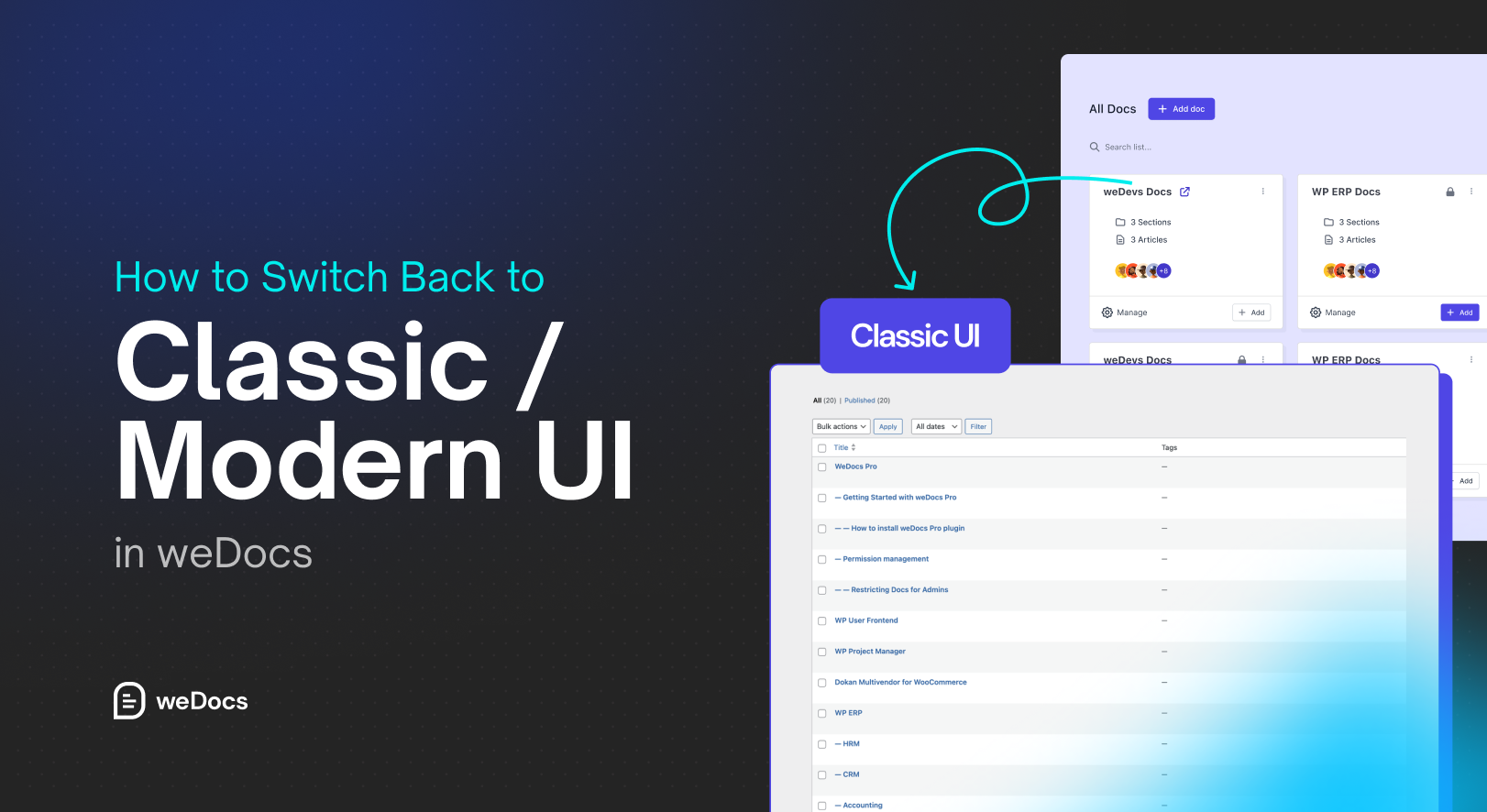
How to Switch Back to Classic / Modern UI in weDocs

Modern UI in weDocs

weDocs just got even better with two interface options, Classic UI and Modern UI.Both layouts are designed to help you manage your documentation more efficiently, but each serves different needs. The Modern UI offers a fresh, sleek design with improved navigation and readability. Meanwhile, the Classic UI keeps the familiar, minimal layout that many long-time … Read more

How weDocs Can Simplify Product Documentation for eCommerce Stores

Wedocs simplifies documentation for ecommerce stores

Product documentation is often underestimated in the eCommerce world. Many business owners focus heavily on products, sales, and marketing but overlook one crucial element: well-structured documentation. Whether it’s product manuals, user guides, FAQs, or shipping instructions, effective documentation plays a pivotal role in the success of an eCommerce business. In this blog, we’ll explore how … Read more

Organize Your Documents Using Tags in weDocs

Organize your documents using tags

In documentation, there are and will be quite a few topics that belong to the same genre. For example, you will have documentation that tells the user how to use certain features; this documentation belongs in the tutorial group. So how are you going to categorize them? Using tags. weDocs has a tag feature that … Read more

Scalable Documentation Platforms: Why They Matter More Than Ever

Scalable documentation platform

Looking for a documentation system that grows with your product? Explore the top scalable documentation platforms, what makes them scalable, and why WordPress-based solutions like weDocs are still a smart choice.