
Running a multivendor marketplace means running a business full of other businesses. Every seller who joins is a small shop owner with their own products, their own orders, and their own questions.
And they all arrive with the same ones. How do I set up my store? Where do I add products? When do I get paid? What is your commission? Why was my product rejected?
You answer them. Then you answer them again for the next vendor. And the next. Before long, you are spending more time repeating yourself than actually growing the marketplace.
There is a better way. Give your vendors a knowledge base of their own, one they can open right inside their vendor dashboard, so they find the answer themselves without ever opening a support ticket.
Here is how to build vendor documentation for your Dokan marketplace, and why it pays for itself faster than you think.
Quick takeaway: Around 84% of customers try to solve a problem themselves before contacting support, and 91% say they would use a knowledge base if one were available and relevant. Your vendors are no different. They want the answer now, not tomorrow.
Meet Dokan, the Plugin Behind Your Marketplace
Before we get into documentation, let us make sure we are on the same page about what a marketplace actually is.
A regular online store has one seller. You. A multivendor marketplace has many sellers, each running their own storefront under your roof. Think of how Amazon or Etsy work. The platform belongs to one company, but thousands of independent sellers list their products on it, and the platform takes a cut of every sale.
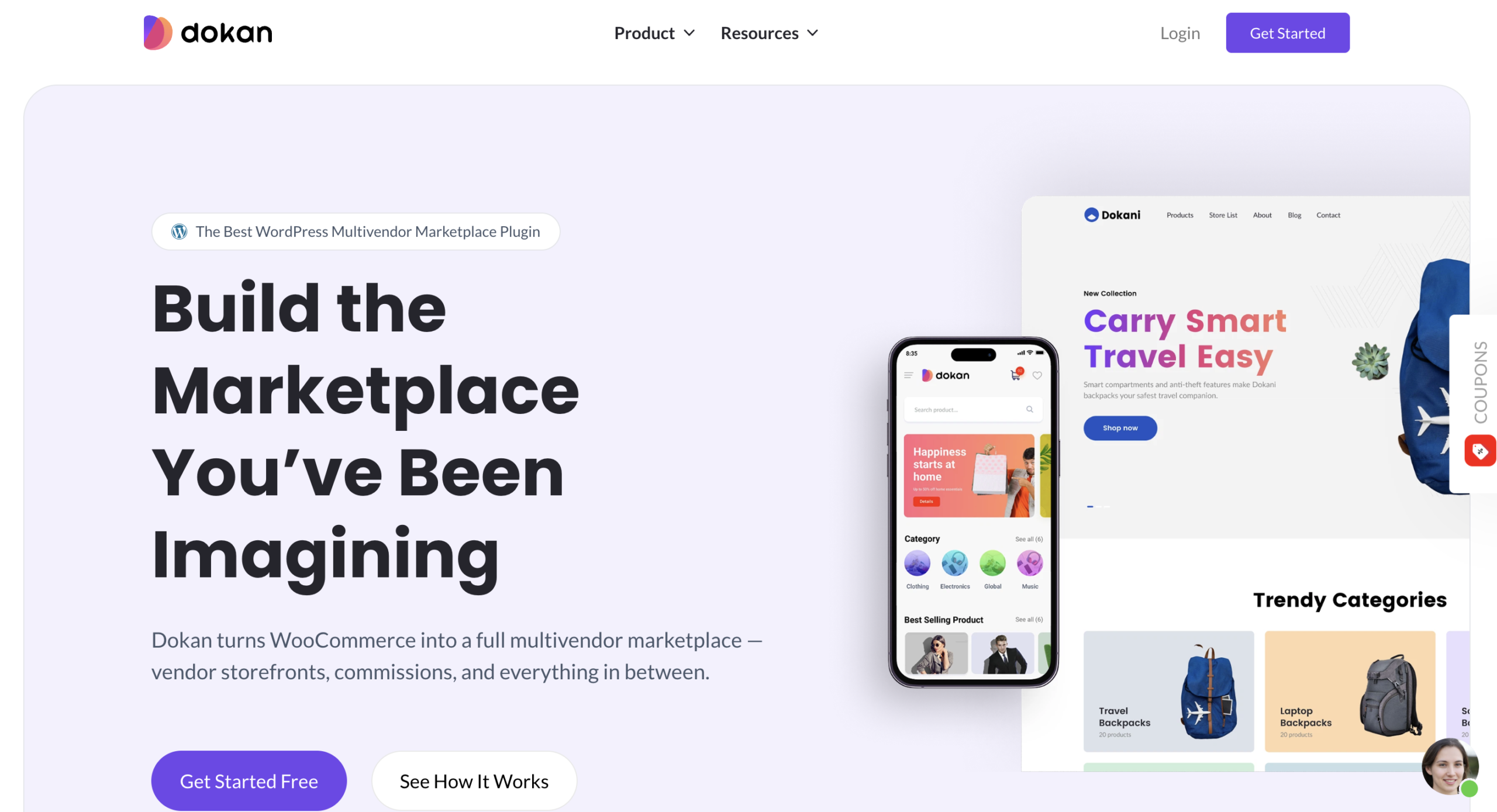
Dokan is the plugin that turns a WordPress and WooCommerce site into exactly that kind of marketplace. It is the most popular multivendor solution for WordPress, and it handles the hard parts of running a platform where other people sell.
What Dokan Gives You
- Individual vendor stores. Every seller gets their own storefront with a logo, banner, product list, and store page.
- A vendor dashboard. Sellers log in and manage their own products, orders, coupons, and settings without ever touching your WordPress admin.
- Automatic commission splits. You set the commission, and Dokan divides every sale between you and the vendor.
- Vendor withdrawals. Sellers request payouts, and you approve them, with support for multiple payment methods.
- Product approval controls. You decide whether vendor products go live instantly or wait for your review.
- Reports and analytics. Both you and your vendors can see how sales are performing.
In short, Dokan gives your vendors a place to run their business. What it cannot do is answer their questions for you. That is where documentation comes in.
Understand Why Your Vendors Need Their Own Documentation
Most marketplace owners already have some documentation. The problem is that it was written for shoppers, not sellers.
Customer Docs Do Not Work for Vendors
Your customers want to know about shipping times and refunds. Your vendors want to know about payouts, commission rates, product approval, and store setup. Those are two completely different audiences with two completely different sets of questions, and mixing them together serves neither one well.
Vendor documentation solves a specific problem. It gives the people running stores on your marketplace a single place to find answers about running a store on your marketplace. Simple as that.
What Changes When You Have It
- You stop answering the same question forever. Write the answer once, and every vendor who comes after reads it instead of messaging you.
- New vendors get started faster. A vendor who can set up their store today starts selling today. A vendor waiting on a reply from you starts selling next week, if they do not give up first.
- Your support load drops. Well-designed self-service can deflect 40 to 60% of incoming queries. That is time your team gets back.
- Your vendors trust you more. Clear rules about commission, payouts, and policies remove the suspicion that comes from vague answers.
- Your marketplace scales. You cannot hand-hold two hundred vendors. Documentation is how you support two hundred without hiring twenty people.
That last point is the real one. Every marketplace hits a ceiling where the founder can no longer personally onboard each seller. Vendor documentation is how you break through it.
Decide What to Put in Your Vendor Documentation
You do not need fifty articles on day one. You need the handful that answer the questions you are already tired of answering.
Start With the Questions You Answer Most
Look at your own inbox. The questions vendors ask most are exactly the documents you should write first. For most Dokan marketplaces, that list looks something like this.
- Getting started guide. How a new vendor sets up their store, adds a logo and banner, and gets ready to sell.
- Adding and managing products. How to create a product, set pricing, add variations, and manage stock.
- Orders and fulfillment. How vendors see their orders, update statuses, and handle shipping.
- Commission and payouts. What you take, what they keep, when they get paid, and how withdrawals work. Vendors ask this more than anything else.
- Marketplace policies. What is allowed, what is not, and what happens if a rule is broken.
- Refunds and disputes. Who handles what when a customer is unhappy.
- Store settings and shipping. How vendors configure their own shipping rules and store details.
Write those seven, and you have covered the vast majority of what a new vendor needs. You can always add more later, and you should, but this gets you most of the value immediately.
Worth knowing: Only about one in five companies rate their own knowledge base as very accurate. Outdated documentation is worse than none, because it teaches your vendors that your docs cannot be trusted. Keep it current, and review it whenever you change a policy.
Put Your Documentation Where Vendors Actually Look
Here is where most marketplaces go wrong. They write good vendor documentation, then bury it somewhere on the website that vendors never visit.
Think about it from the vendor’s side. They are logged into their Dokan dashboard, trying to figure out how to add a product variation. Are they going to leave the dashboard, go find your website, hunt through a help center built for shoppers, and search for the answer? Or are they going to message you, because that is easier?
They will message you. Every time.
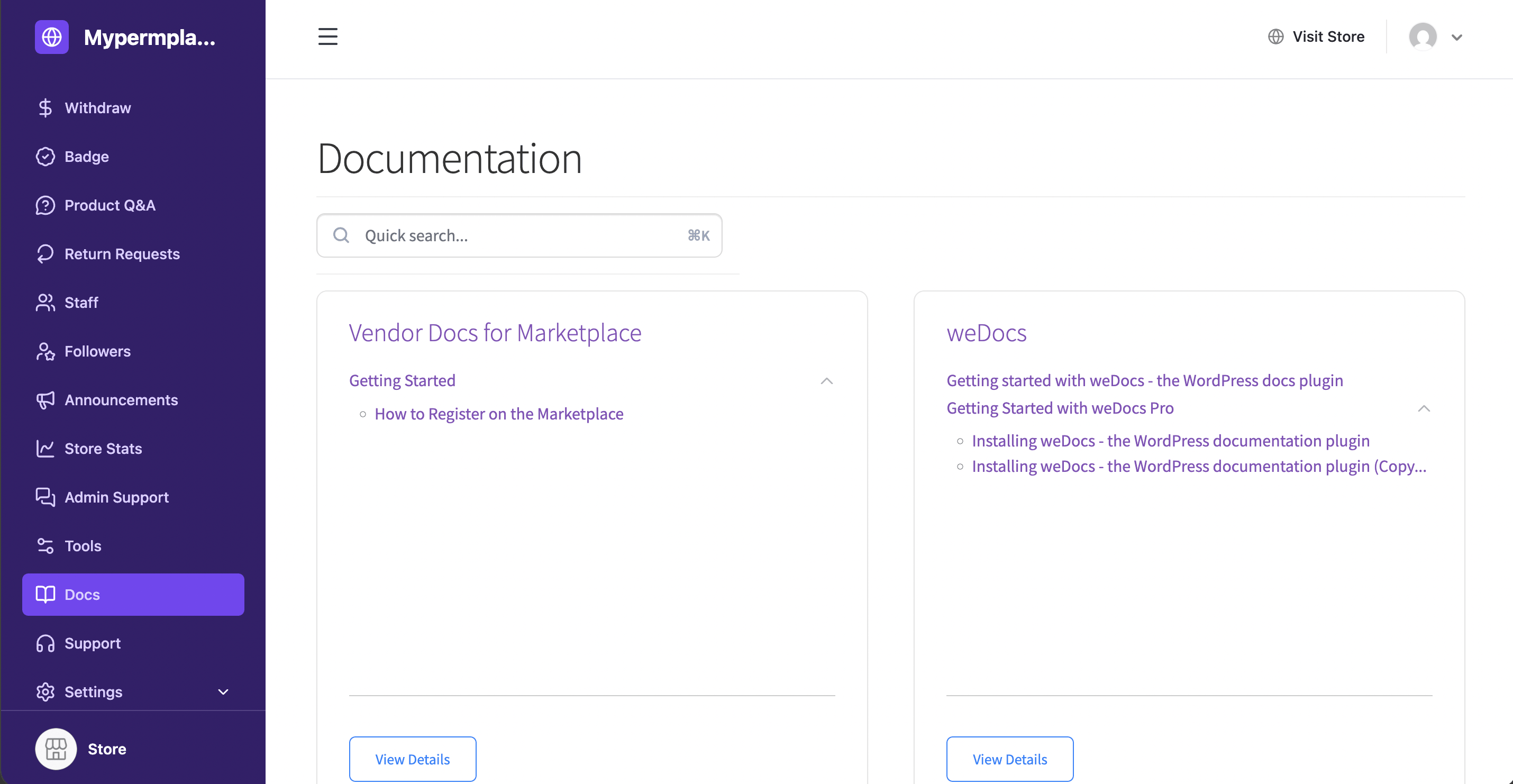
Documentation only works when it sits where the question happens. For your vendors, that place is the vendor dashboard. And that is exactly what the weDocs and Dokan integration does.
Set Up Vendor Documentation Inside Dokan
The setup is short enough to describe in one breath. Here is the shape of it, so you know what you are getting into.
Make sure you have installed weDocs on your site.
Turn On Docs in Your Dokan Settings
Go to your Dokan settings and switch on the option that shows docs in the vendor dashboard. One toggle, and your vendors now have a Docs area waiting for them.
Mark a Document as a Vendor Doc
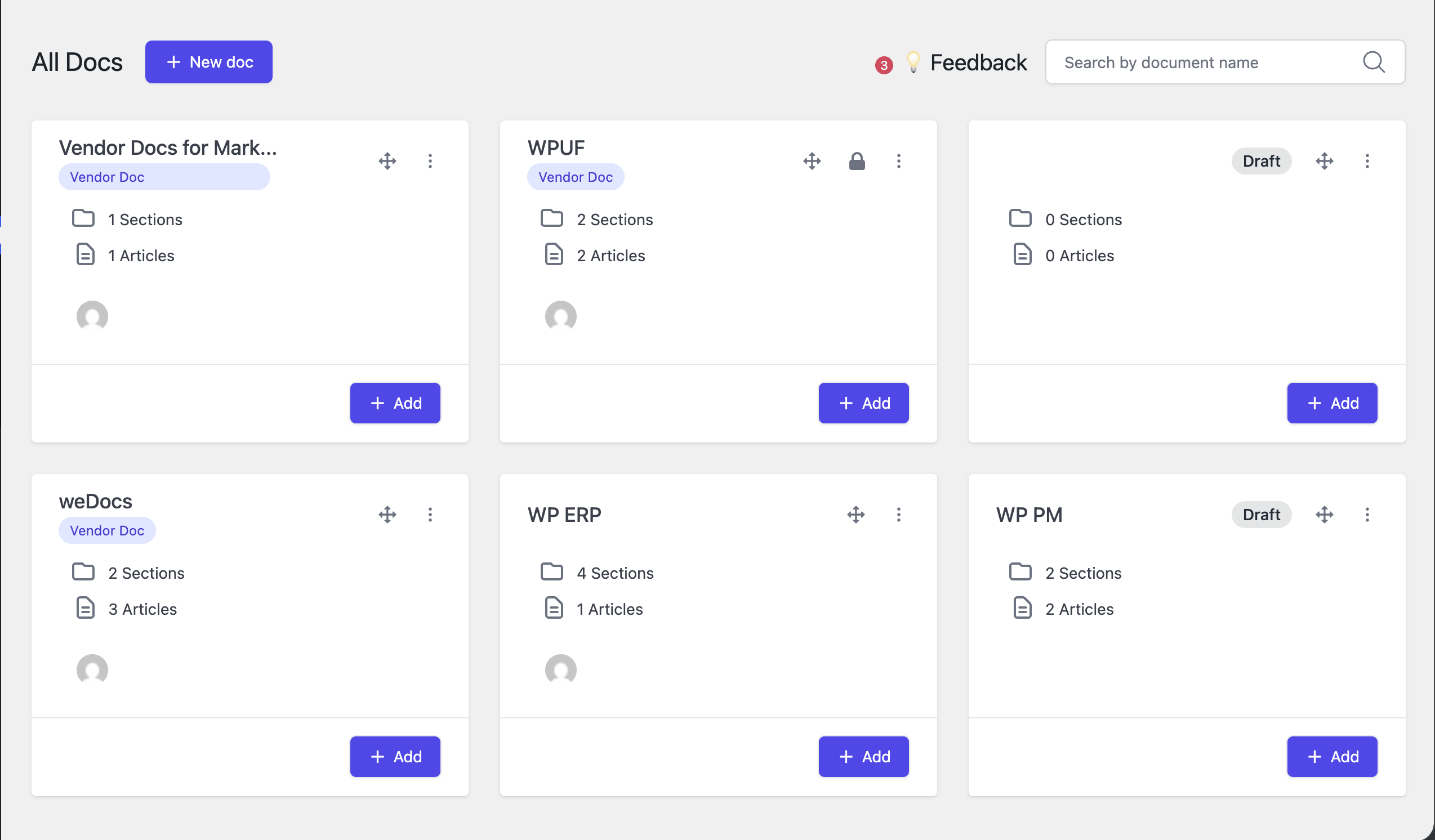
Write your document in weDocs the way you would write any other. Then open the three-dot menu next to it and choose to mark it as a vendor doc. A small Vendor Doc tag appears under it, so you can always see which documents your sellers can read. You can unmark it at any time.
Your Vendors See a Docs Menu
That is it. Your vendors log into their Dokan dashboard, see a Docs option in their menu, and read your guides without leaving the screen they already work in. No new logins, no separate site, no hunting.
Three steps, and your marketplace has a vendor knowledge base. For the complete walkthrough with screenshots and every setting explained, head to the weDocs documentation.
Keep Vendor Docs and Customer Docs Separate
One of the most useful things about this setup is what your vendors do not see, and what your customers do not see either.
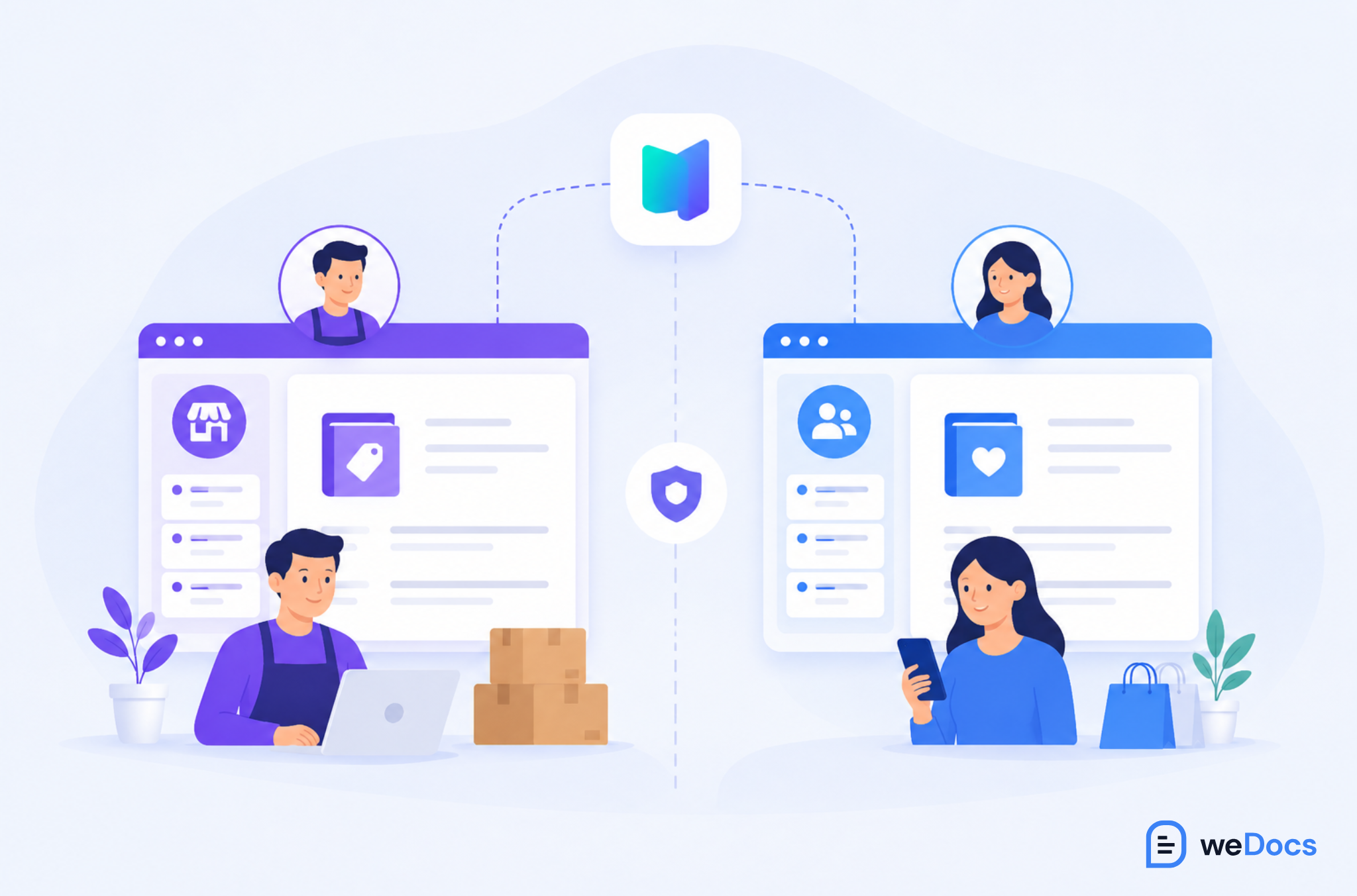
Your commission structure, your payout schedule, and your internal marketplace policies are for vendors. Your shoppers have no reason to read them, and in some cases you would rather they did not.
Marking a document as a vendor doc keeps it in the vendor dashboard, separate from your public, customer-facing documentation. Two audiences, two knowledge bases, one plugin. You are not building two systems or maintaining two sites.
That separation is what makes the whole thing practical. Without it, you would be writing vendor guides into a public help center and hoping customers ignore them.
You can watch the full setup here.
Start Free, Then Grow Into Pro
You can try this today without spending anything. The Dokan integration works with the free versions of weDocs. So you can set it up, mark a document as a vendor doc, and see it appear in your vendor dashboard at no cost.
The free version lets you mark one document as a vendor doc. That is enough to test the flow and prove the value to yourself.
What weDocs Pro Adds
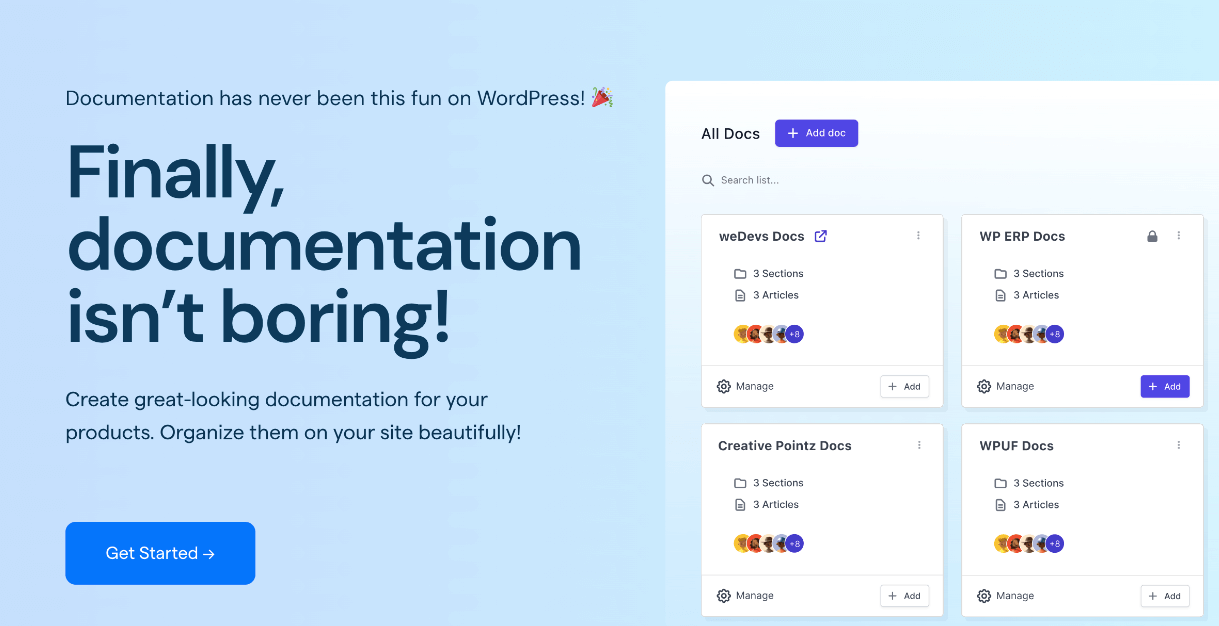
Once you are ready to build a real vendor knowledge base, weDocs Pro lets you mark unlimited vendor docs. That is the version you want for an actual marketplace, because seven articles is the starting point, not the ceiling.
Pro also gives you the rest of the toolkit for a serious knowledge base.
- An AI chatbot that answers vendor questions instantly from your own documentation.
- Private and public documents with full control over who sees what.
- Deep article hierarchy so you can organize a large knowledge base without it turning into a mess.
- A document duplicator so you can clone and adapt an existing doc in one click.
- Full site editing support so your documentation looks like the rest of your marketplace.
For a marketplace with real vendors and real support volume, the upgrade pays for itself the first month you stop answering the same payout question twenty times.
Write Documentation Your Vendors Will Actually Read
A knowledge base only works if people use it. A few habits make the difference.
- Answer the question in the first sentence. Vendors are not reading for pleasure. Lead with the answer, then explain.
- Use screenshots. A picture of the button they need to click beats three paragraphs describing it.
- Write like a person. Skip the formal tone. Your vendors are shop owners, not lawyers.
- One topic per document. A single article trying to cover setup, products, and payouts helps nobody.
- Point vendors to the docs when they ask. When someone messages you a question you have already answered, reply with the link. They learn where to look, and next time they look first.
That last habit is the one that changes everything. Documentation does not reduce your support load on its own. It reduces your support load when you consistently point people to it.
Frequently Asked Questions
Give Your Vendors the Answers Before They Ask
Every question a vendor asks you is a question they could have answered themselves, if you had given them somewhere to look.
Vendor documentation is how you get your time back, how new sellers start selling faster, and how your marketplace grows past the point where you can personally onboard everyone. It is the difference between a marketplace that scales and one that stalls at the founder’s inbox.
With weDocs and Dokan working together, you can build that knowledge base right where your vendors already are. Start with the free version, write the handful of guides you are tired of repeating, and see how quickly your inbox quiets down.
When your vendors win, your marketplace grows. Get weDocs Pro and give every vendor a knowledge base of their own.
Subscribe to
weDocs blog
We send weekly newsletters,
no spam for sure!